

1
Go to app.hellgate.io
Open app.hellgate.io in your browser.
2
Click “Create one”
Enter your first and last name and email address, then accept Starfish’s policies.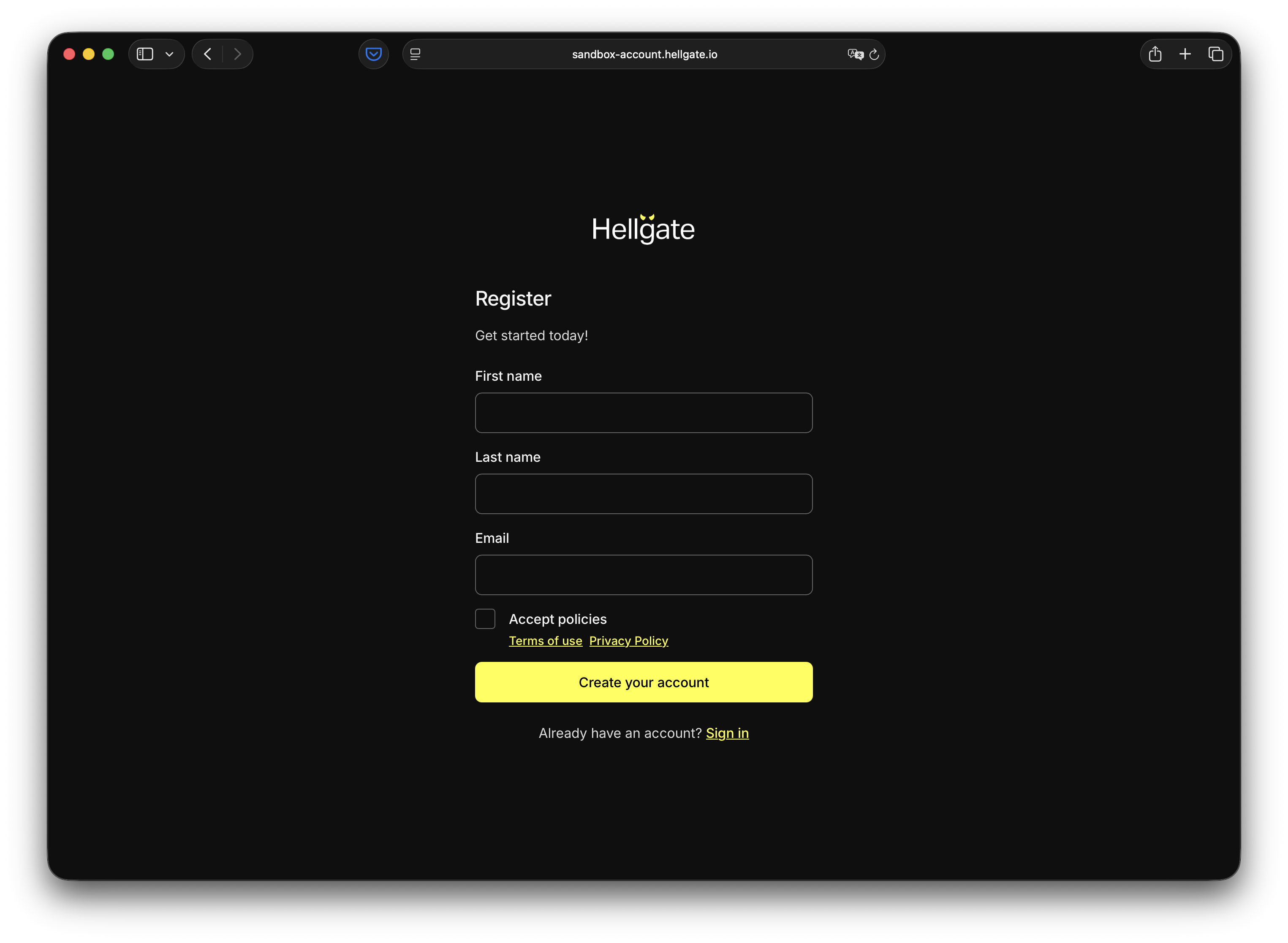
3
Click “Create your account”
Check the email from step 2 for a security code and enter it.
4
Set your password
Click Continue, then set and confirm your password.
5
Choose second-factor method
Select your authentication method for the second factor.
This guide describes the SMS path only.
6
Click “SMS” and enter your phone number

7
Enter the security code
Click Continue, then wait for the code on your phone and enter it.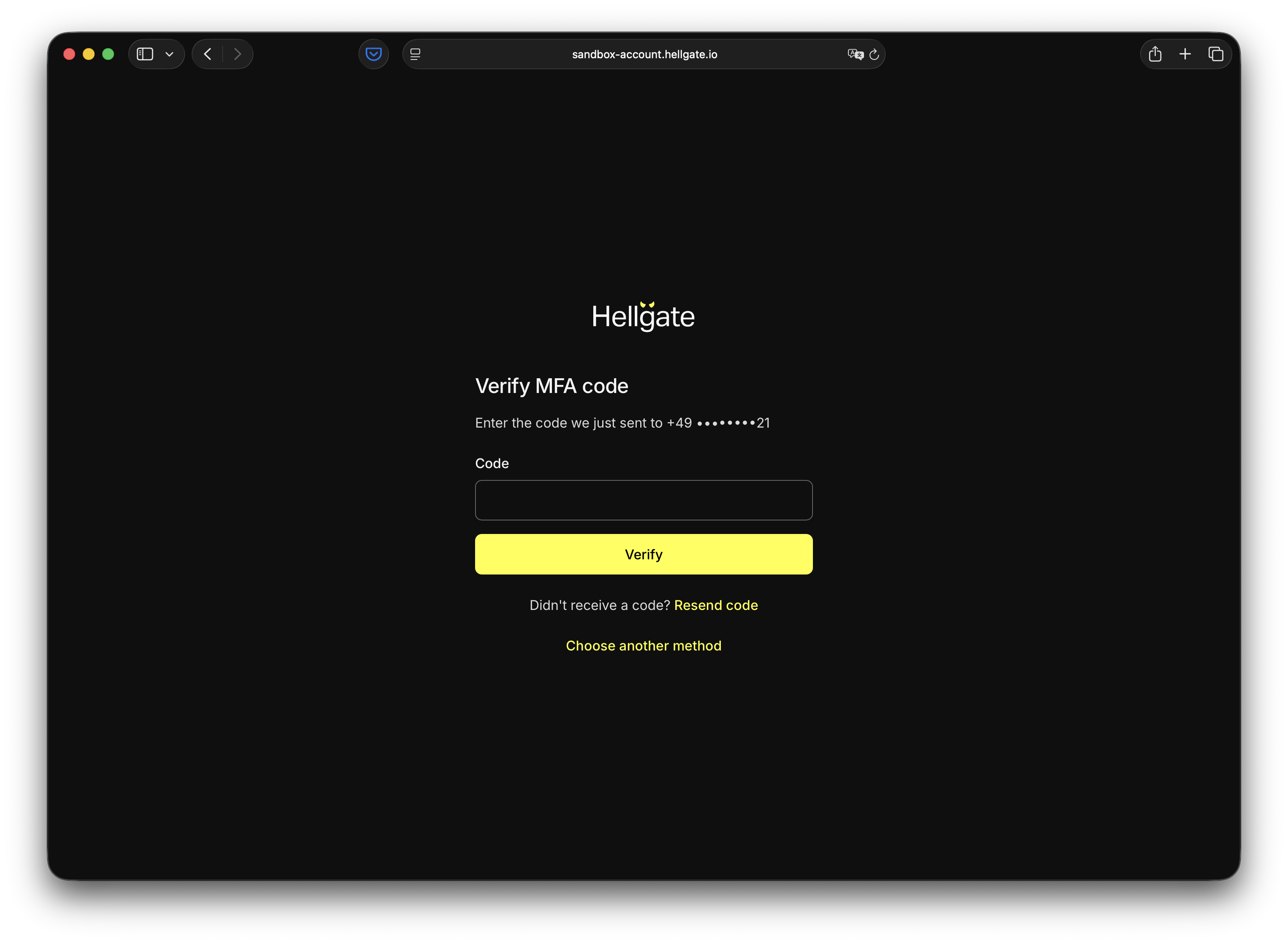
8
Complete account details
Click Verify, then enter your business name and business phone. You can optionally opt in to marketing.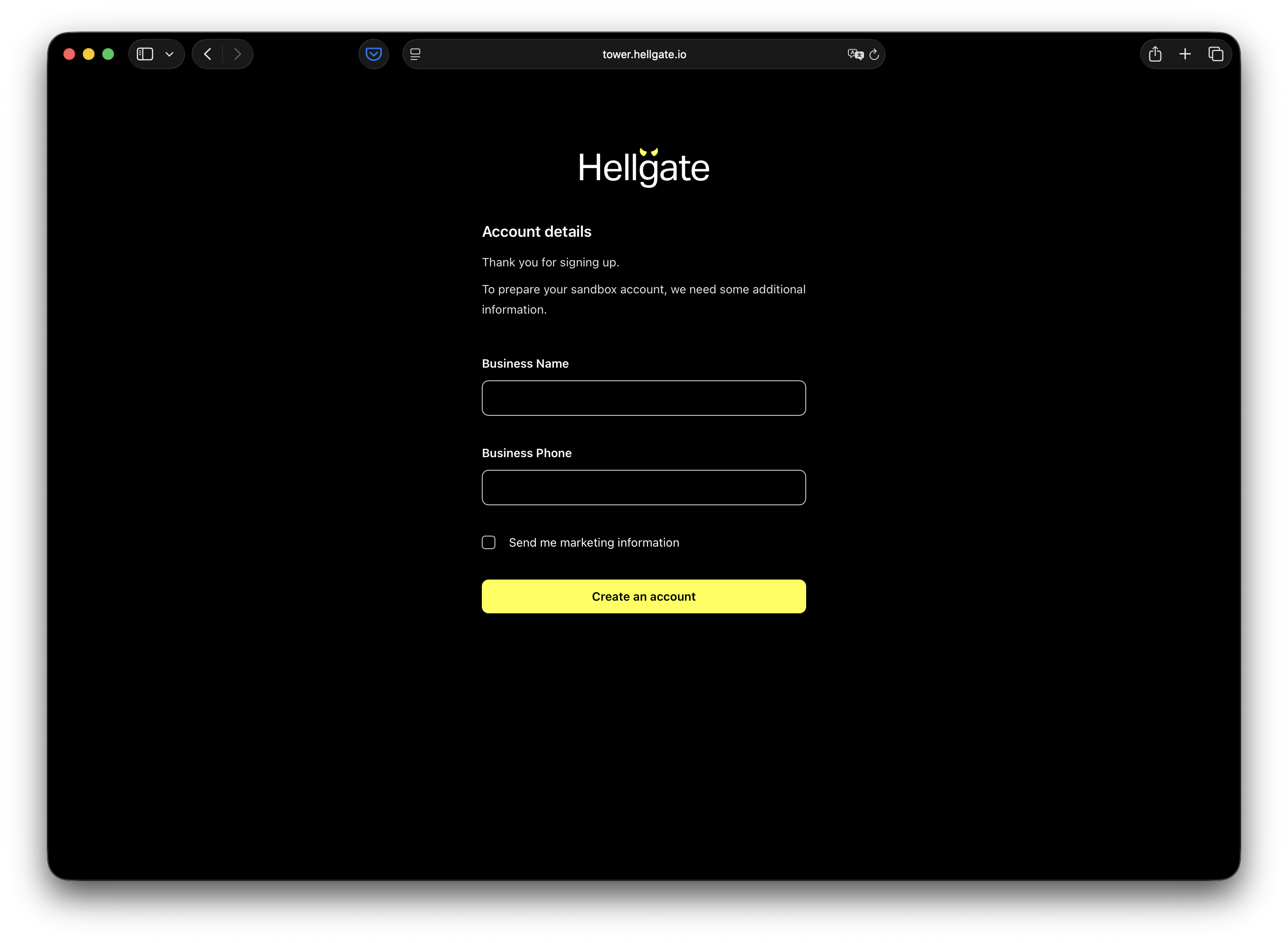
9
Click “Create an account”
You’ll be redirected to your new Hellgate Commerce Test account. Next: Payments to view payment history and configuration.