The Payments area is the default view after login. Use it to inspect payment history, review configuration, and (if enabled) manage authentications.
History
Payment history
The payment history shows the list of all payments processed by your account.
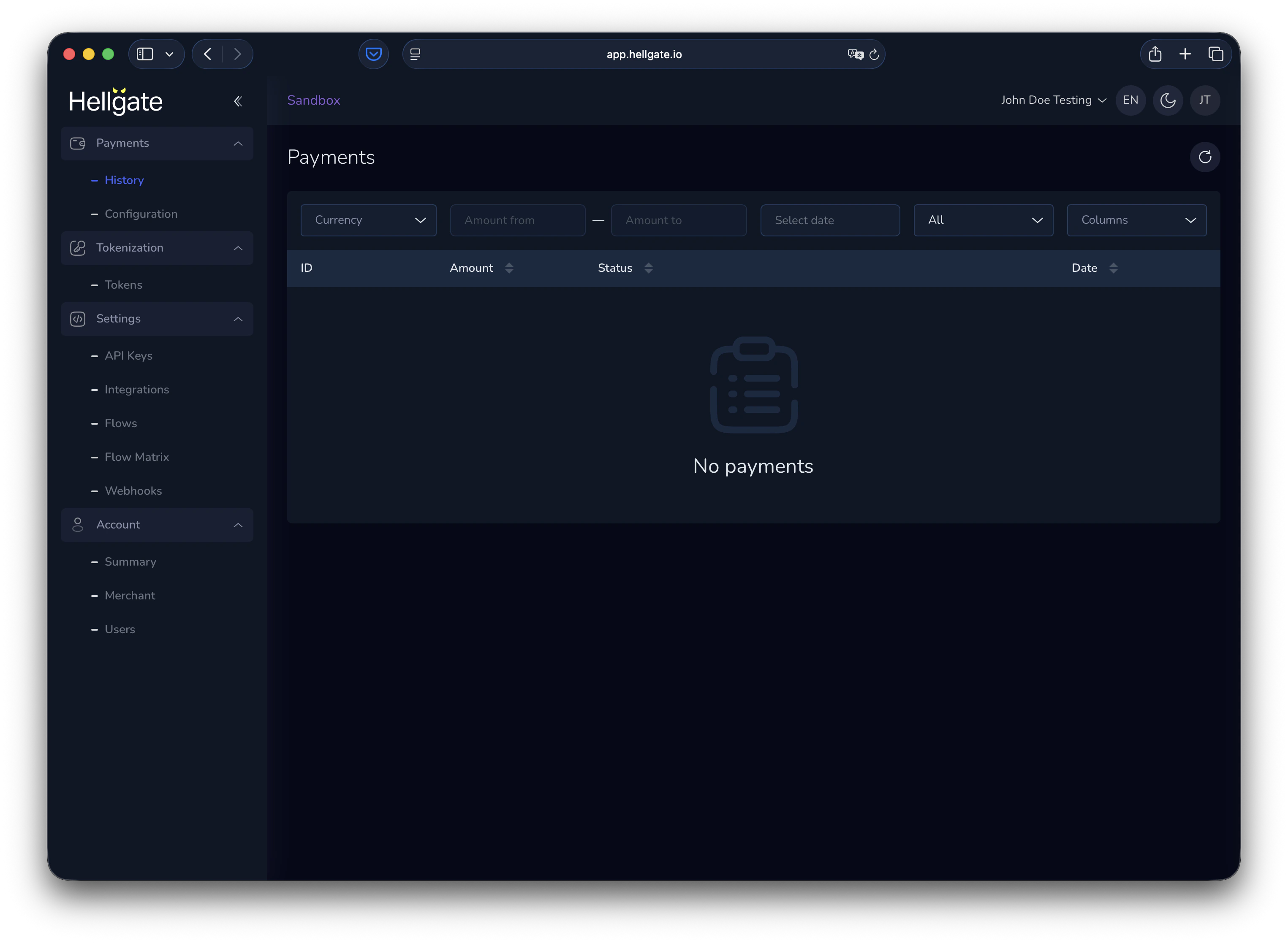
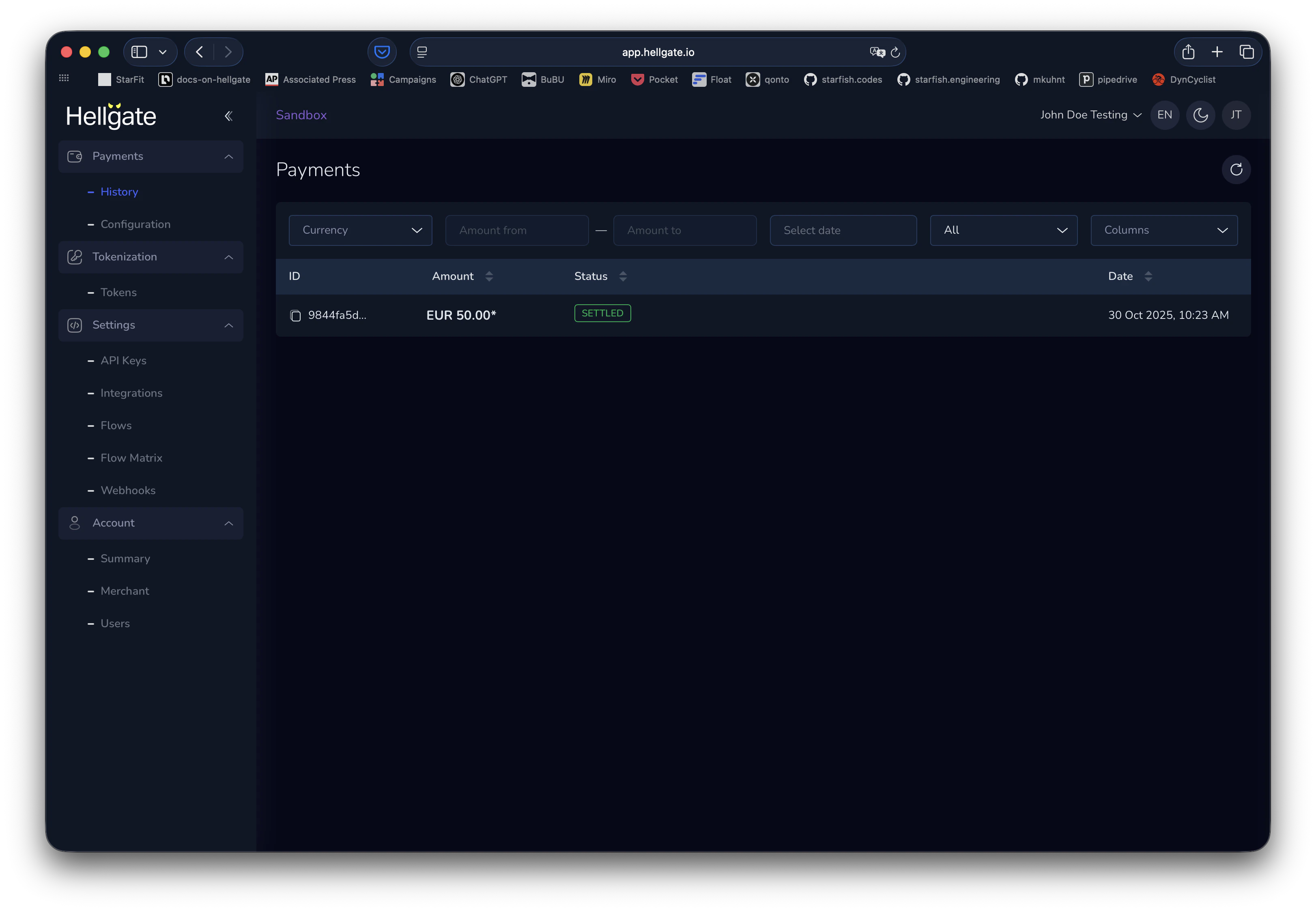
When you have payments, the list shows them with filters so you can focus on specific statuses, dates, or other criteria.
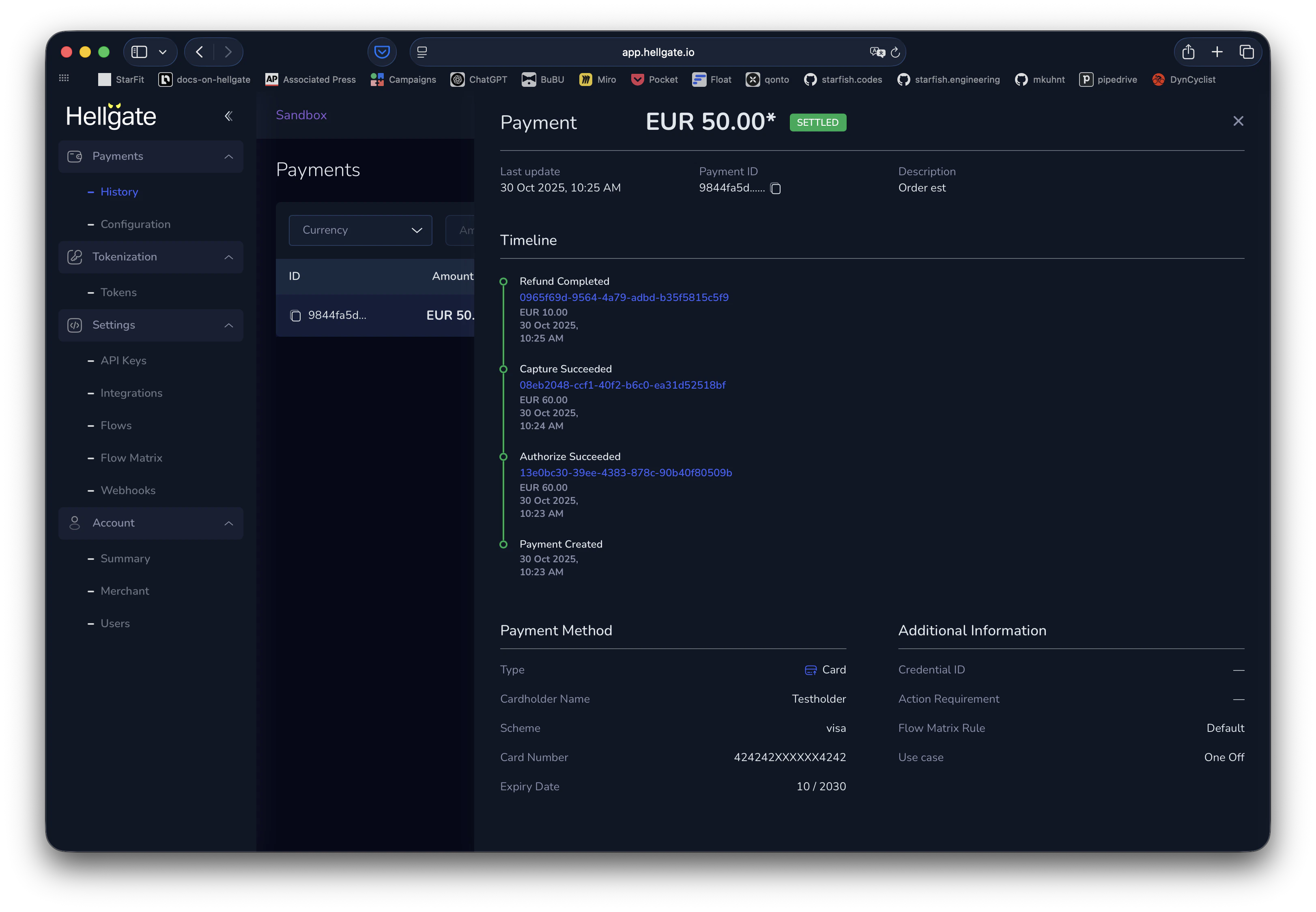
Click a payment to open the details panel: reference data, timeline, and payment method.
Configuration
Payment configuration
See high-level 3-D Secure and payment routing configuration in one place.
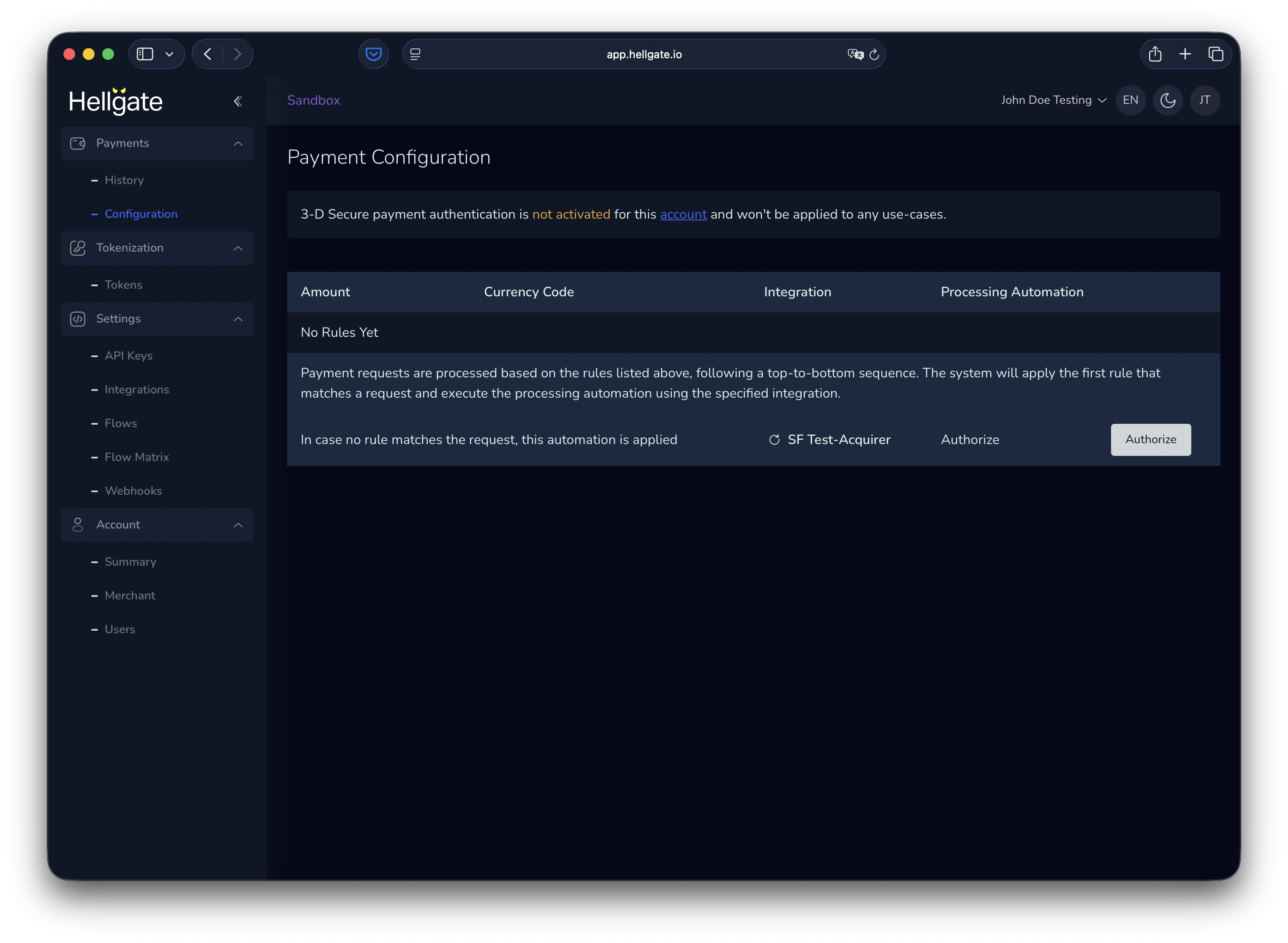
If 3-D Secure is off and there are no custom routing rules, payments use the default route (e.g. authorize with the Starfish Acquirer Sandbox).
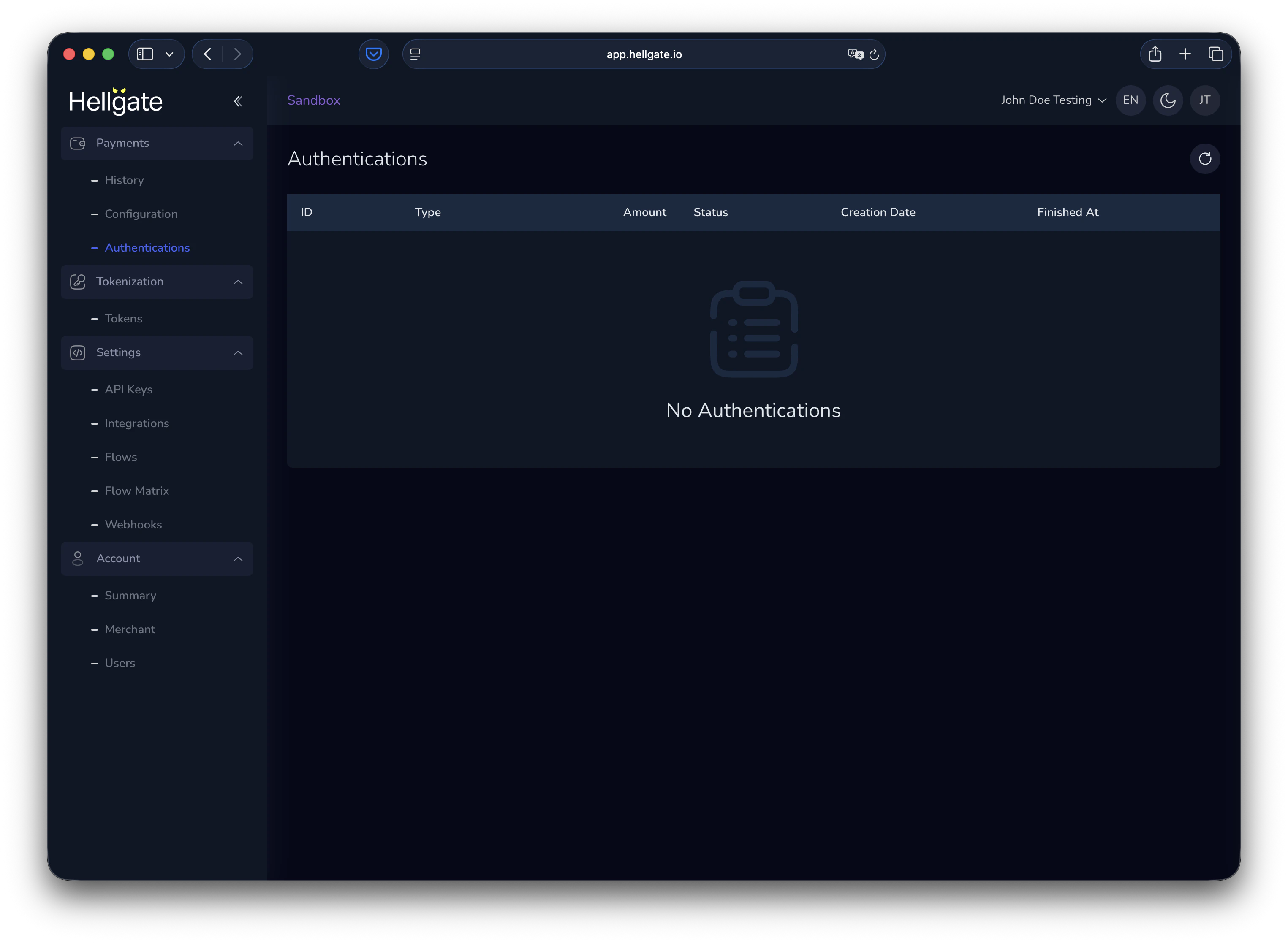
Authentications
Authentications is a Beta feature. You need to activate beta features in the account settings.