Integrations
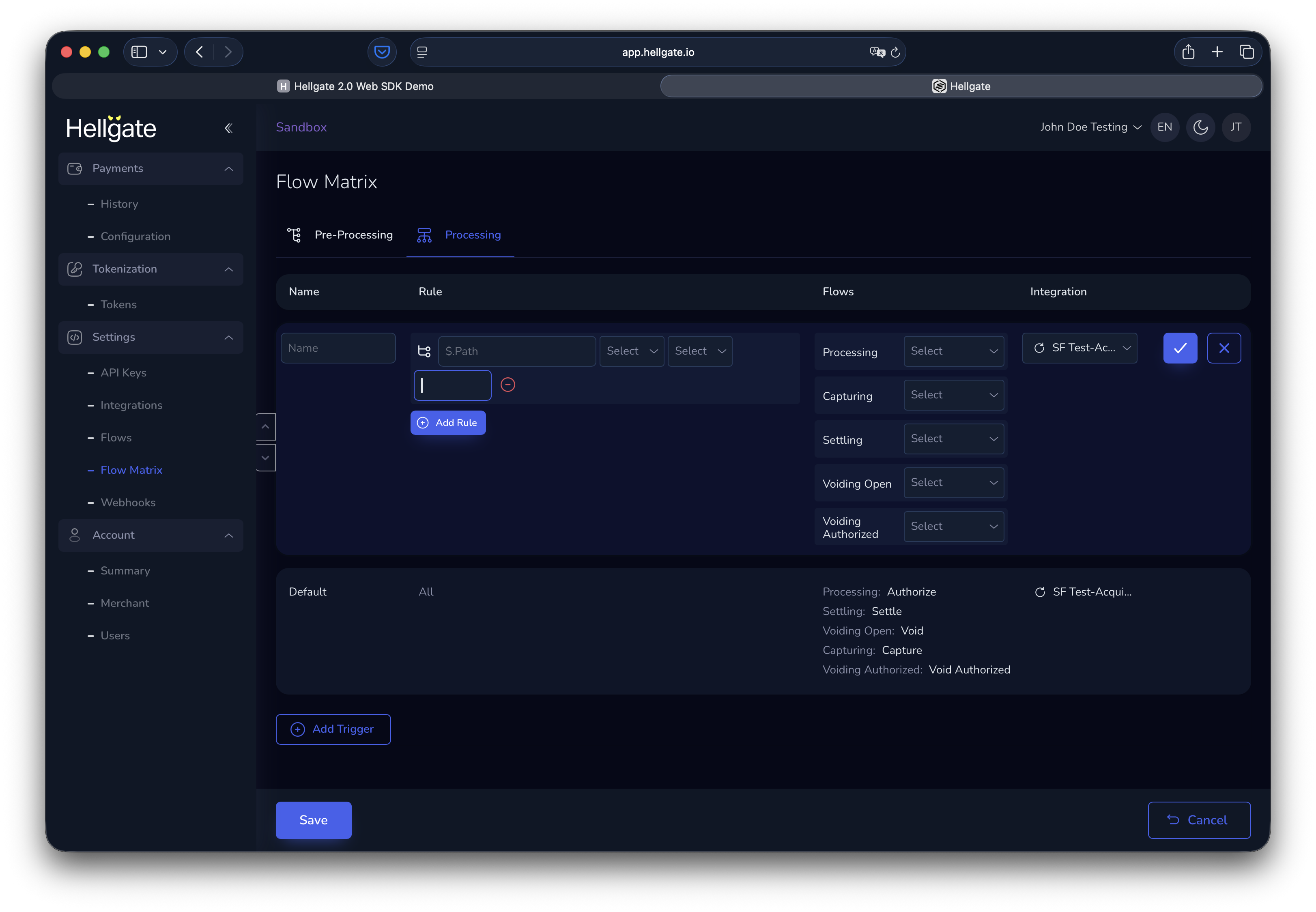
Integrations settings Integrations connect your account to payment processors (PSPs). By default, the SF Test-Acquirer is configured for new Sandbox accounts for deterministic testing. You can add as many integrations as you need.List of integrations
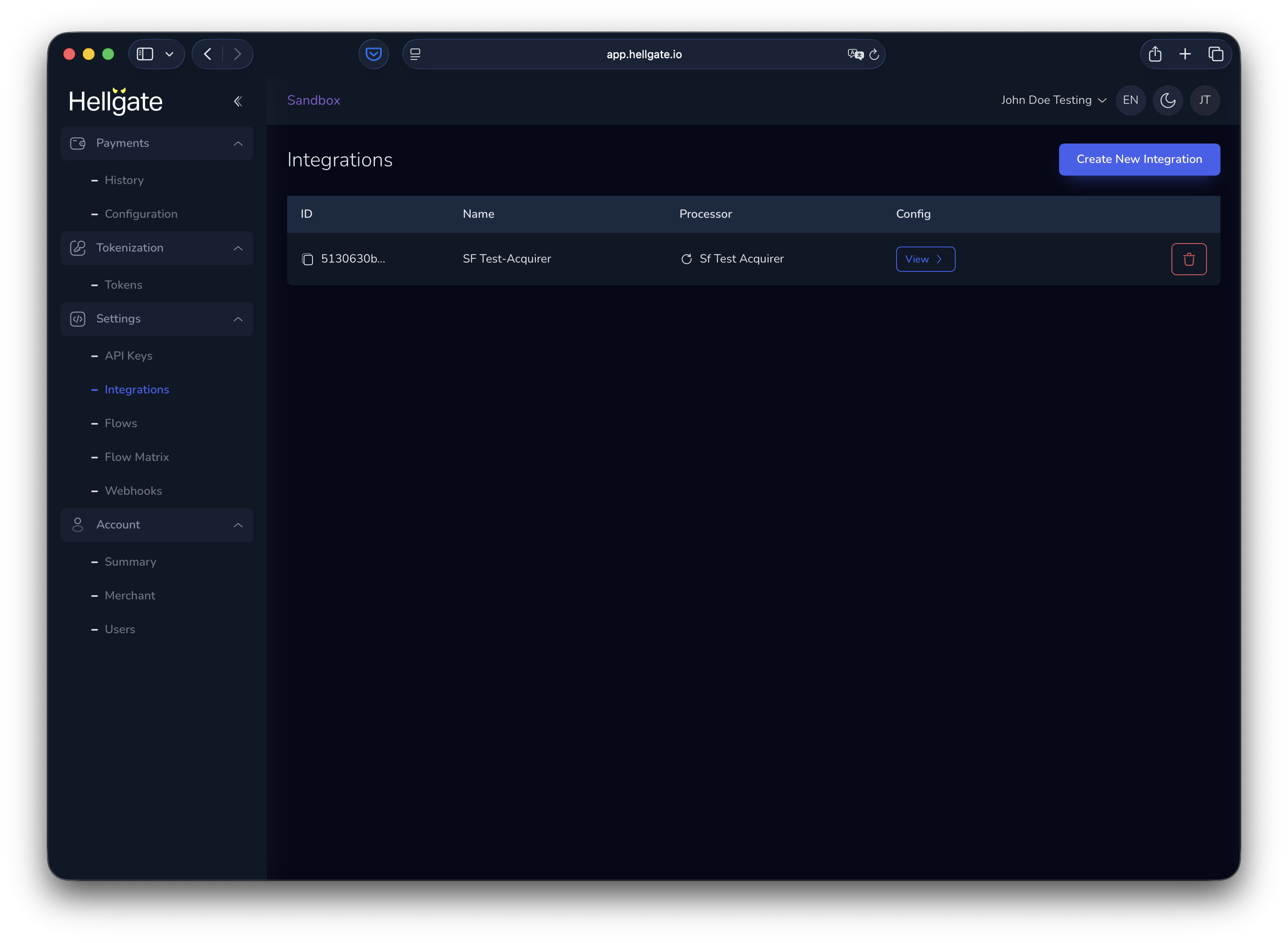
Create a new integration
Click Add integration (or the equivalent button) to add a processor.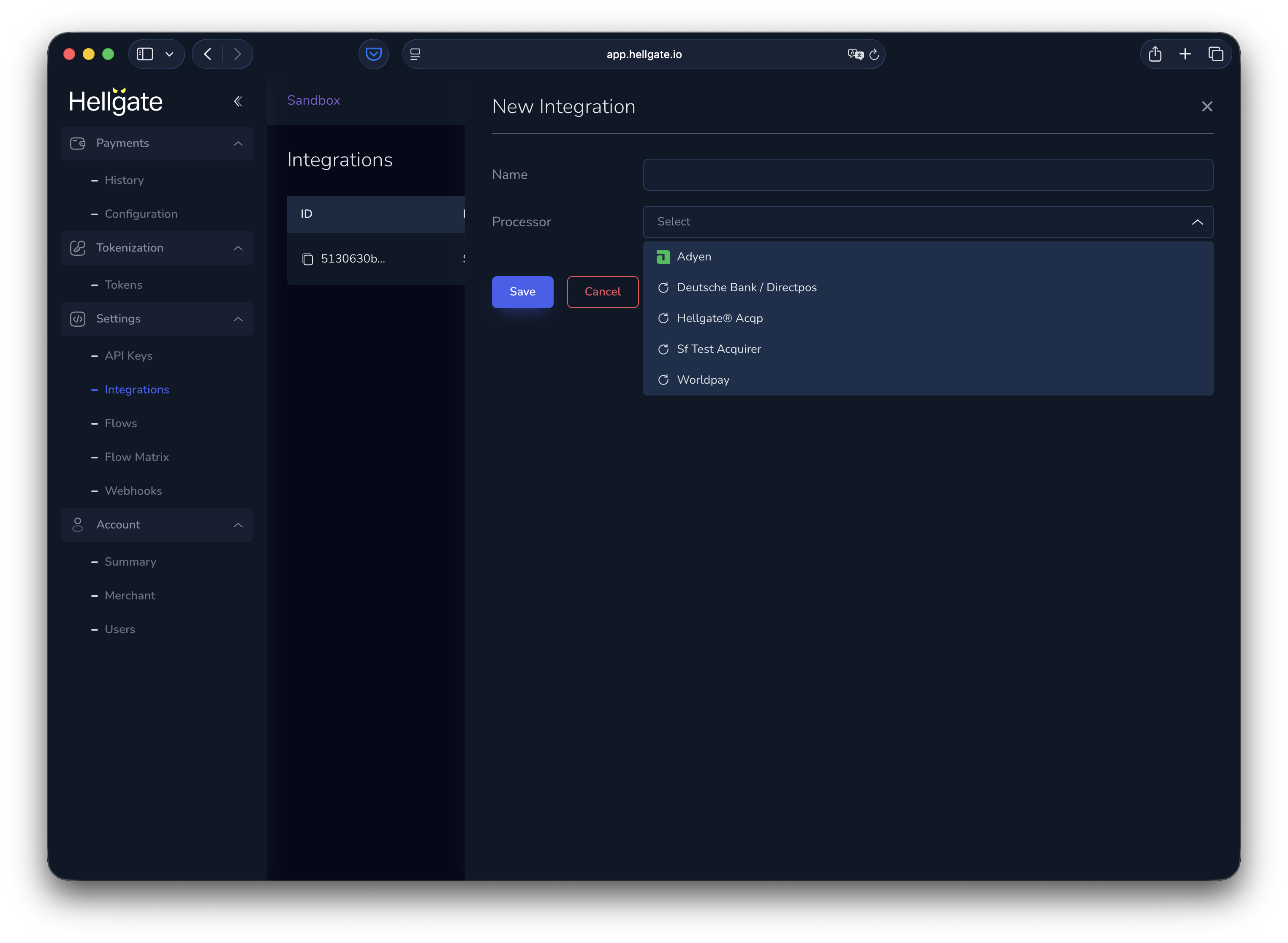
Edit an integration
Click an integration in the list to edit it.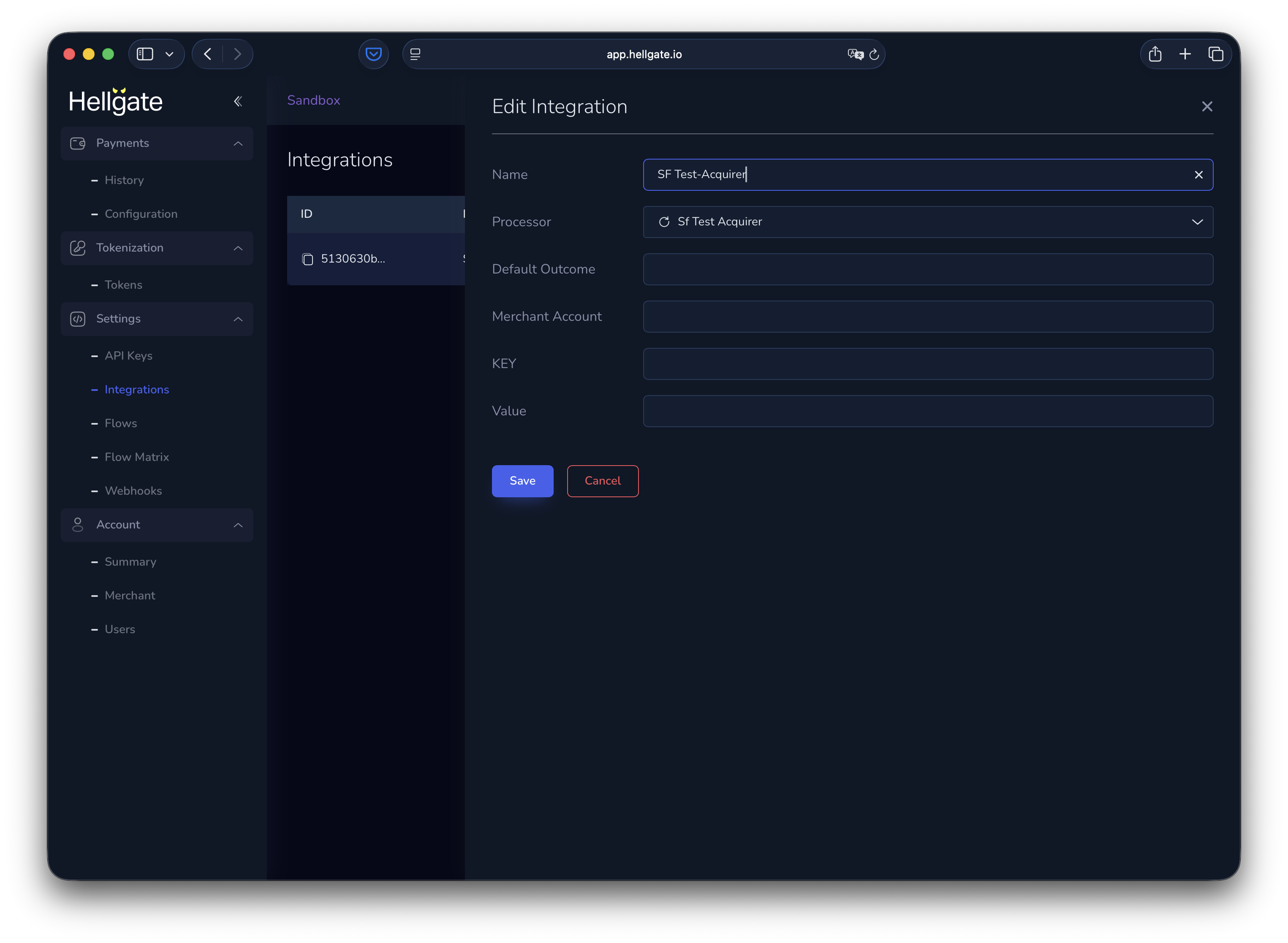
Flows
Hellgate Commerce supports canonical flows (standard payment patterns) and custom flows (e.g. for preprocessing). The diagram below shows how flows fit into payment handling.
Canonical flows
Canonical flows tab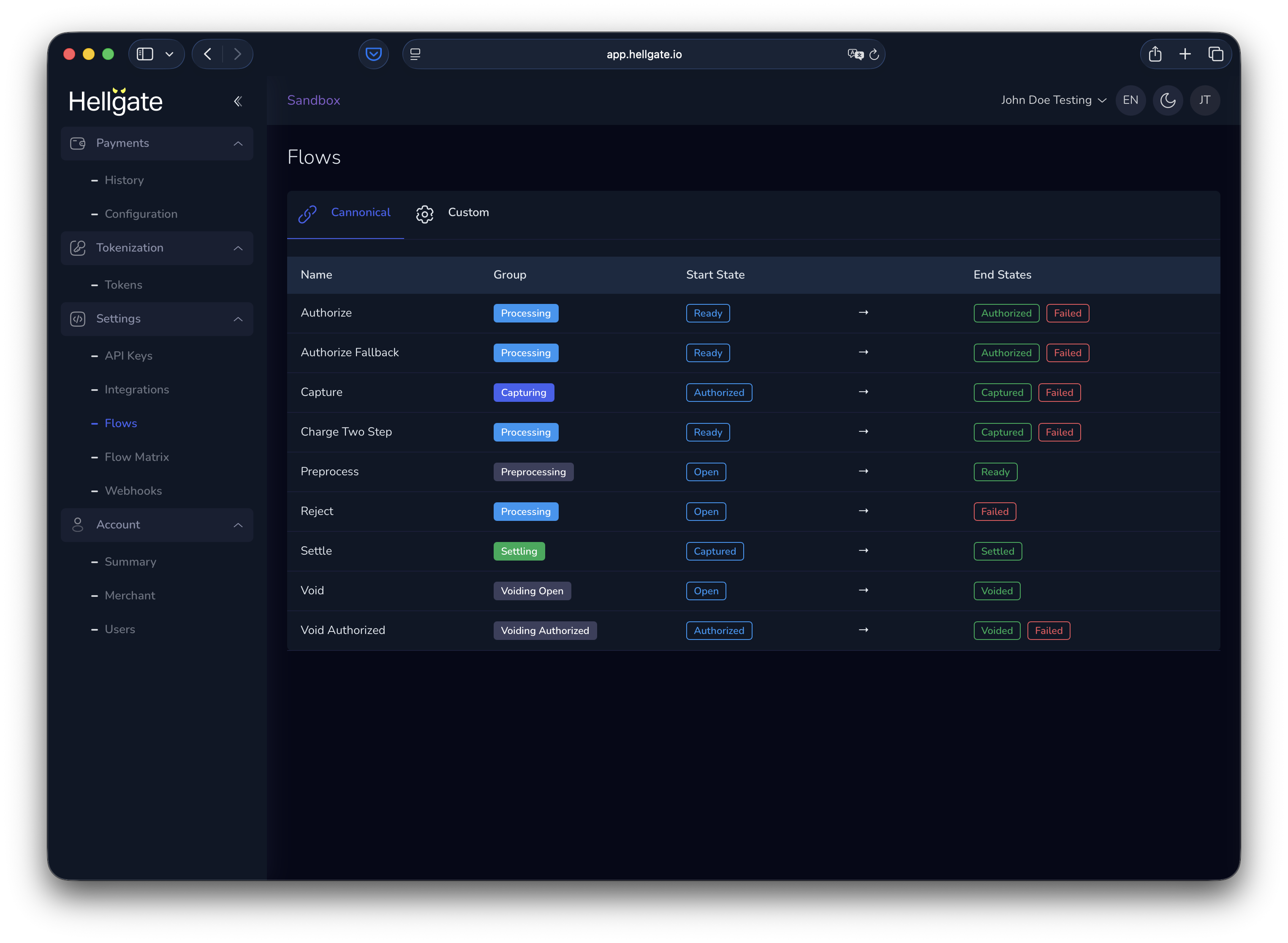
Authorize only
Authorize a payment without capturing.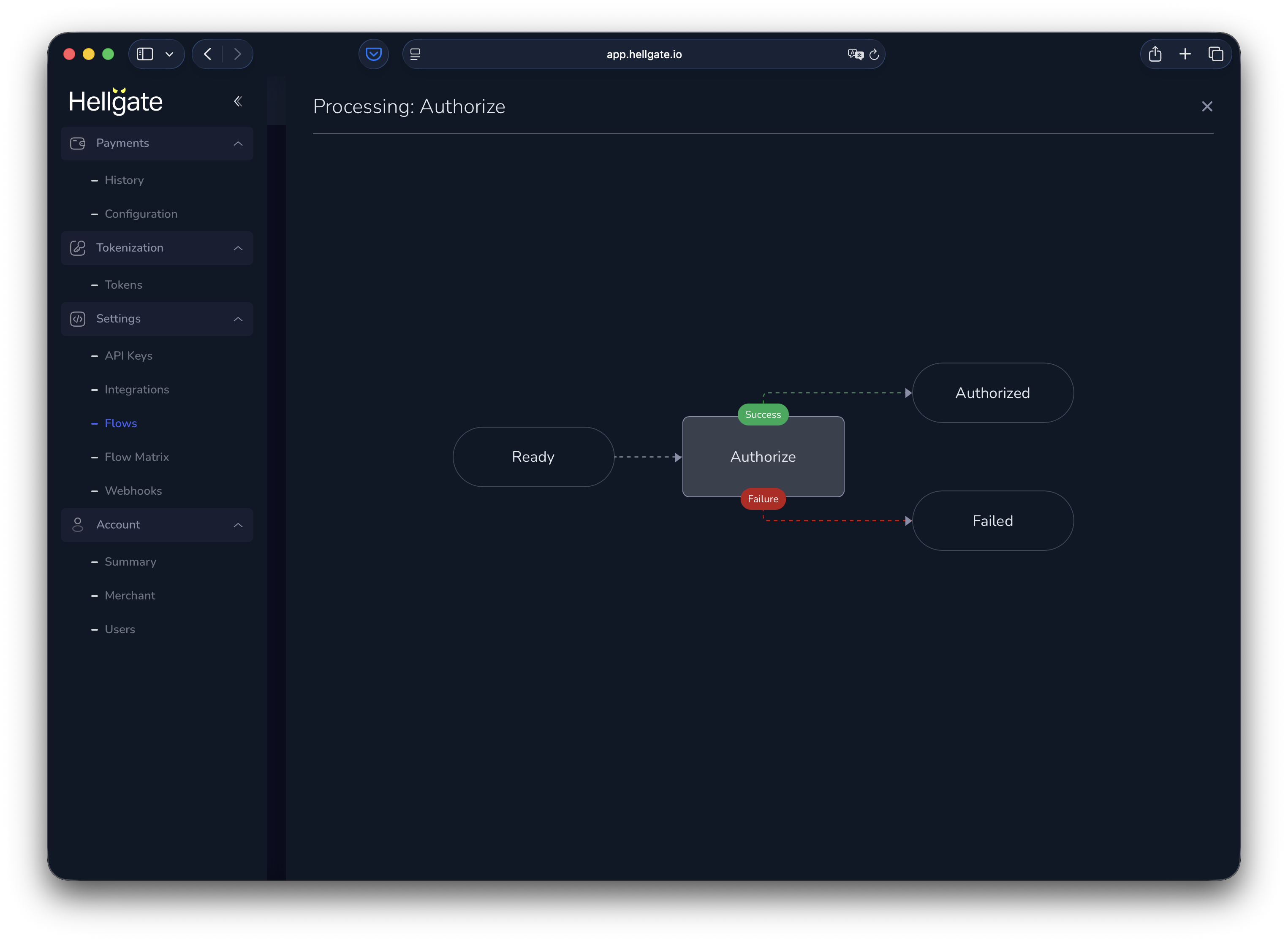
Authorize with fallback
Authorize with one PSP and fall back to another on failure.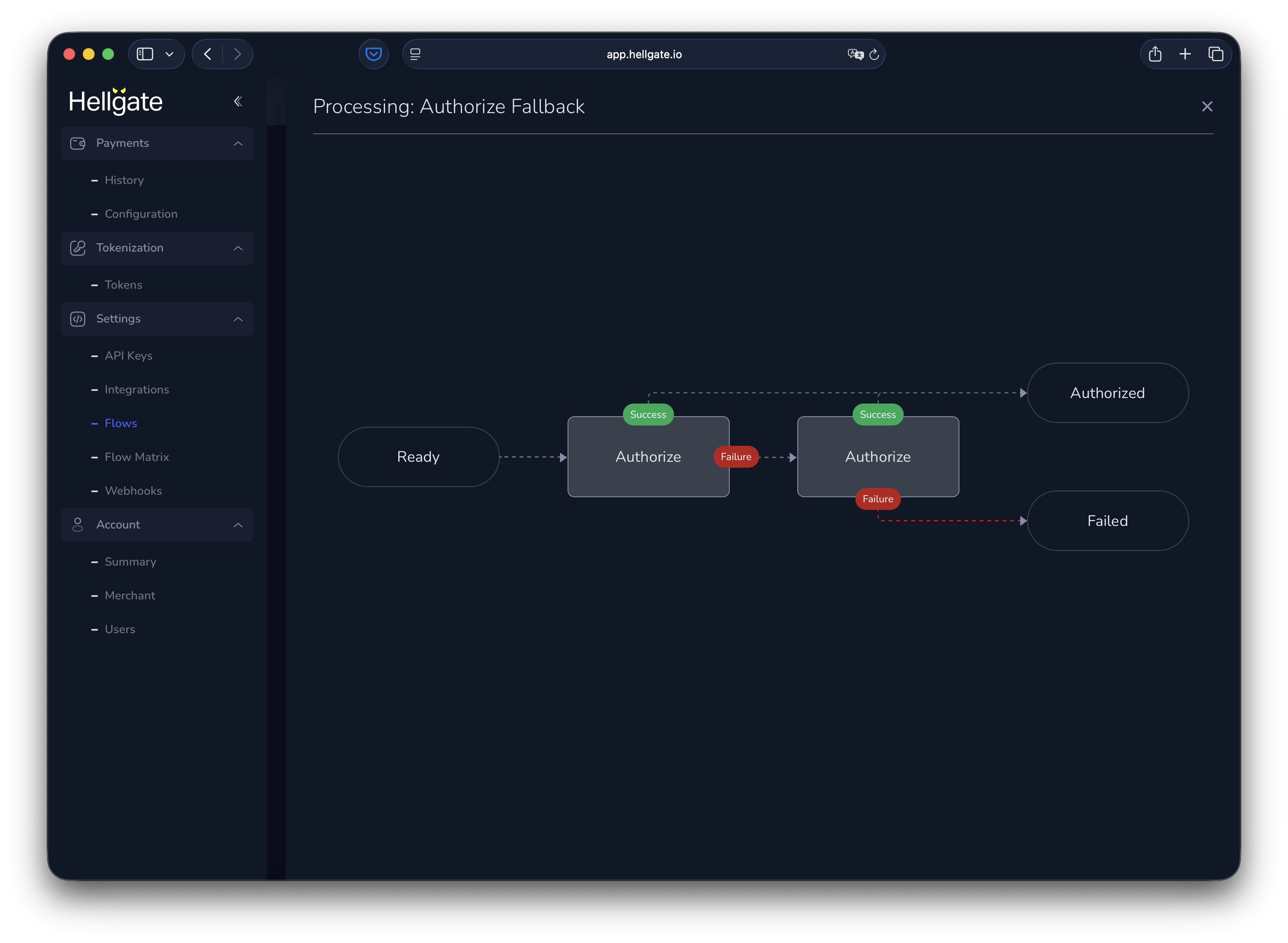
Capture
Capture a previously authorized payment.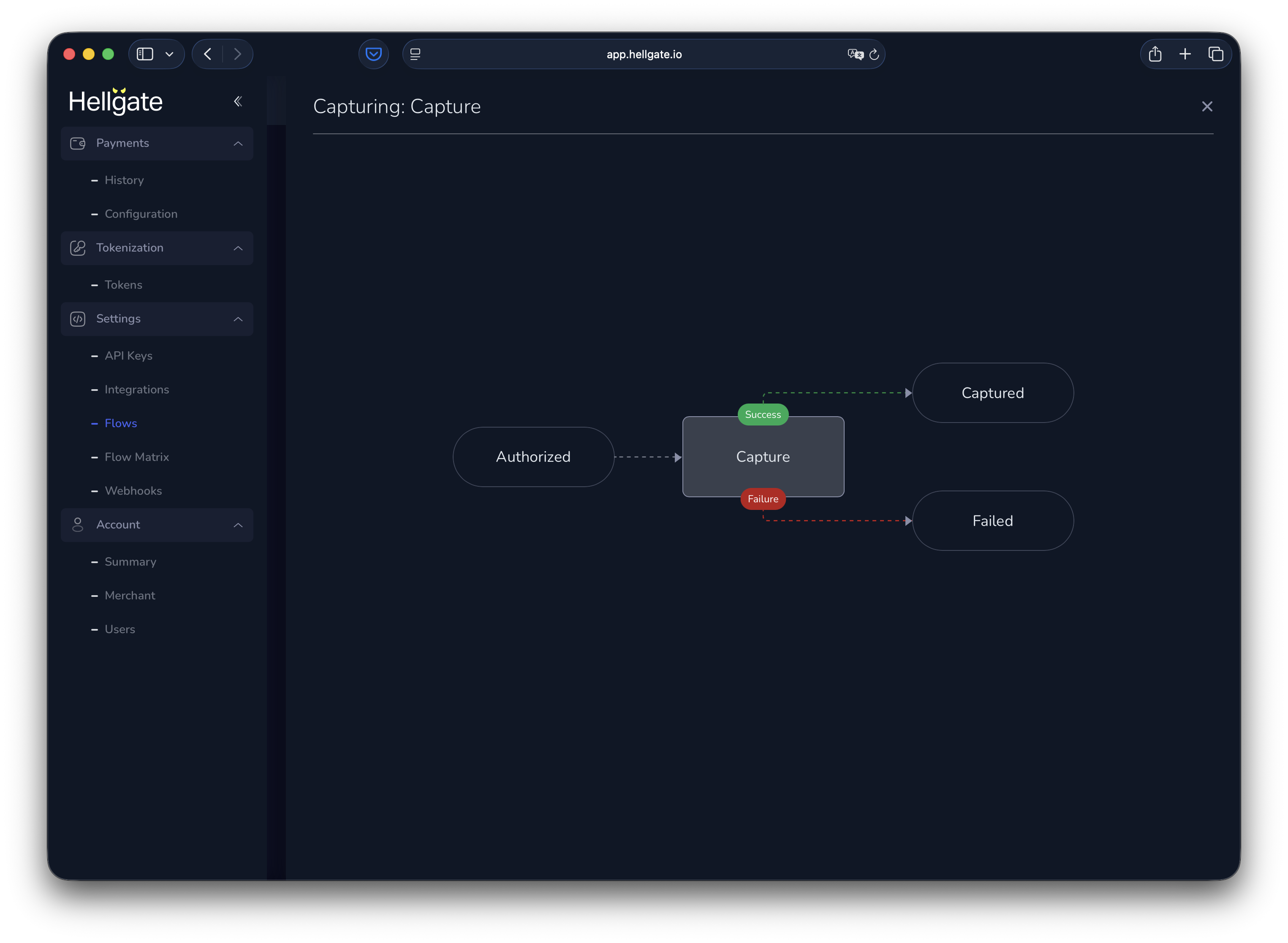
Charge (two-step)
Authorize and capture in one flow.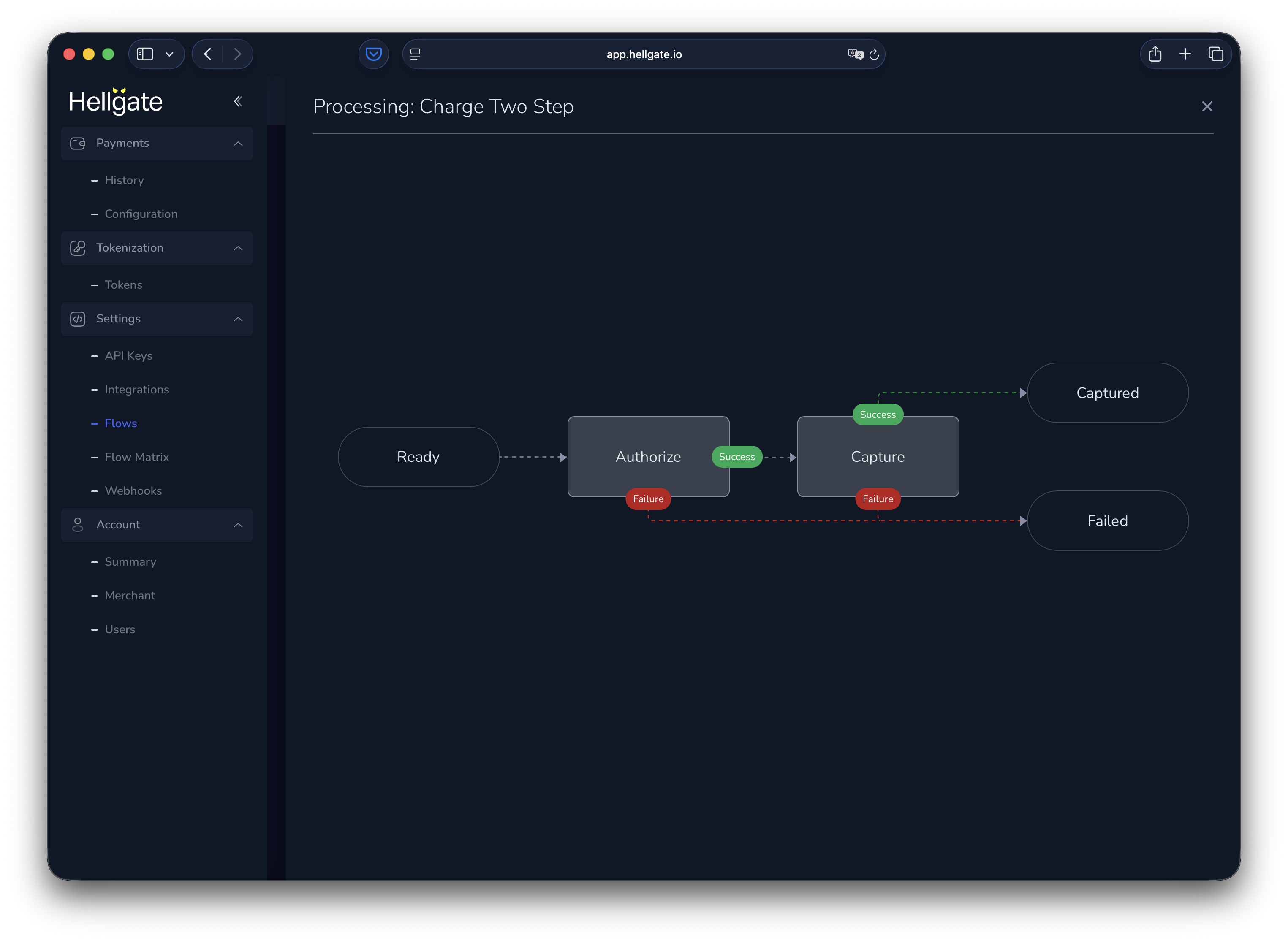
Reject
No transaction is sent to a processor; the payment request is failed (useful for reject rules).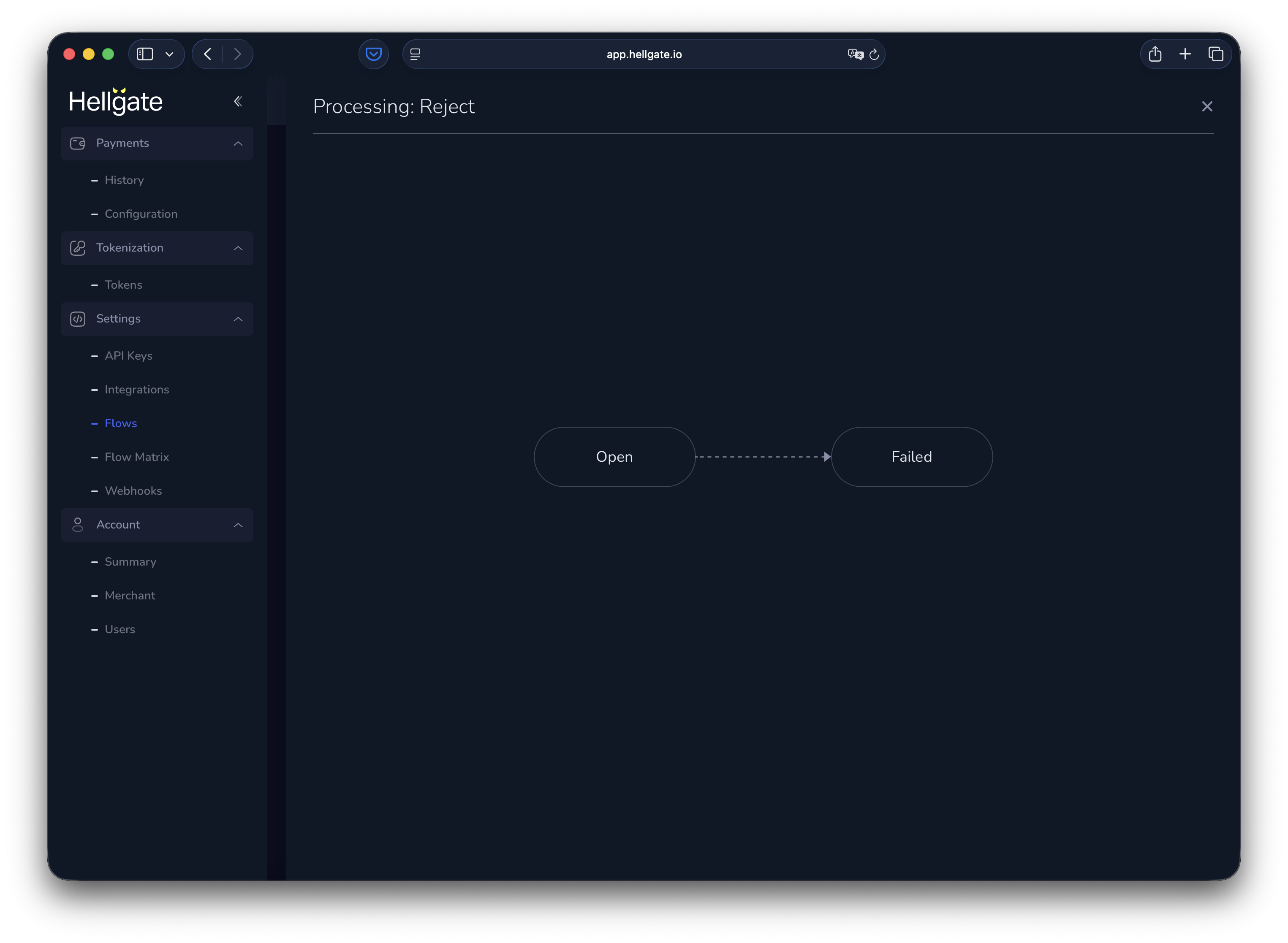
Void (open)
Void a payment that was never authorized.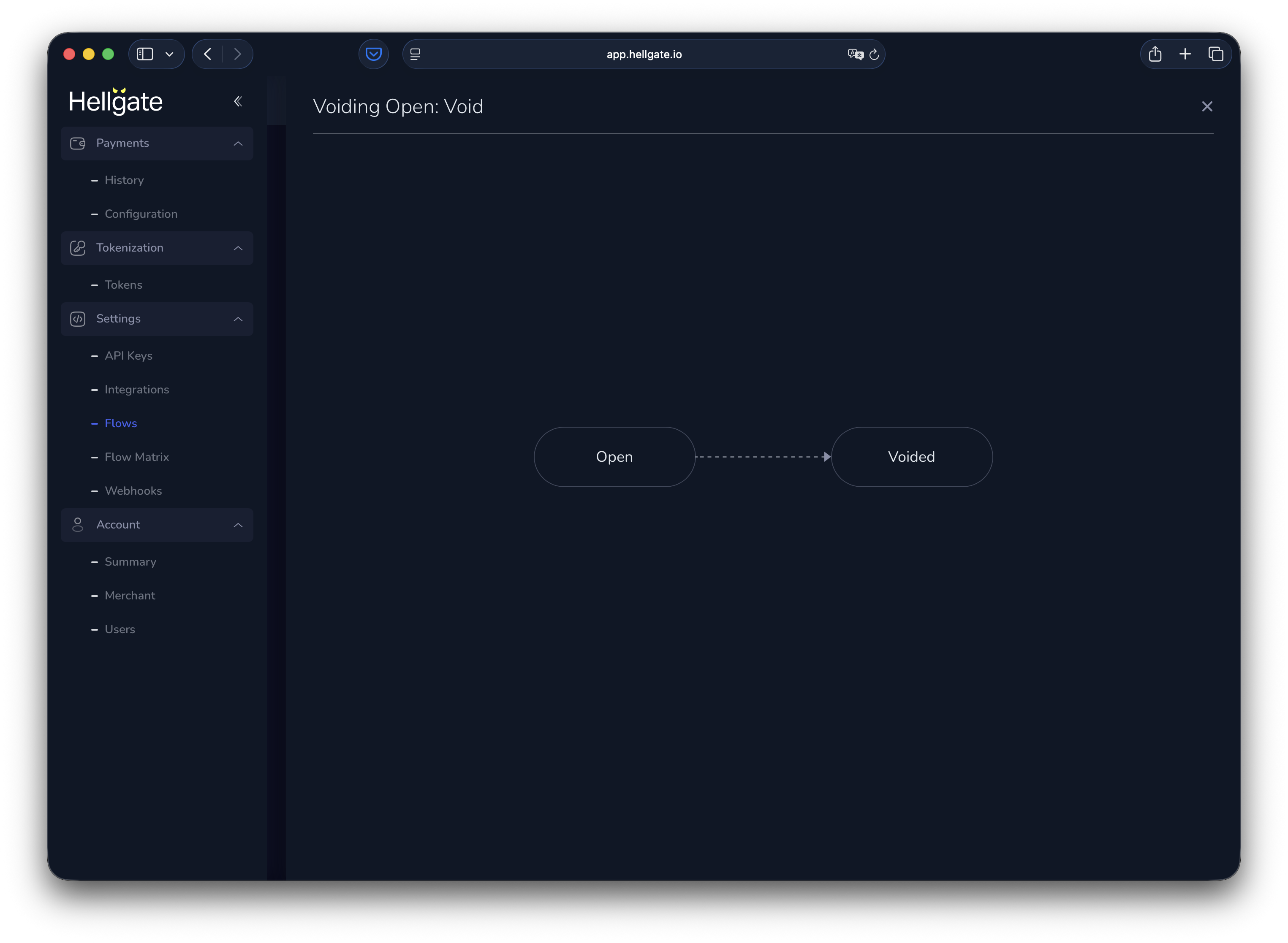
Void (authorized)
Cancel an authorized payment, then void it.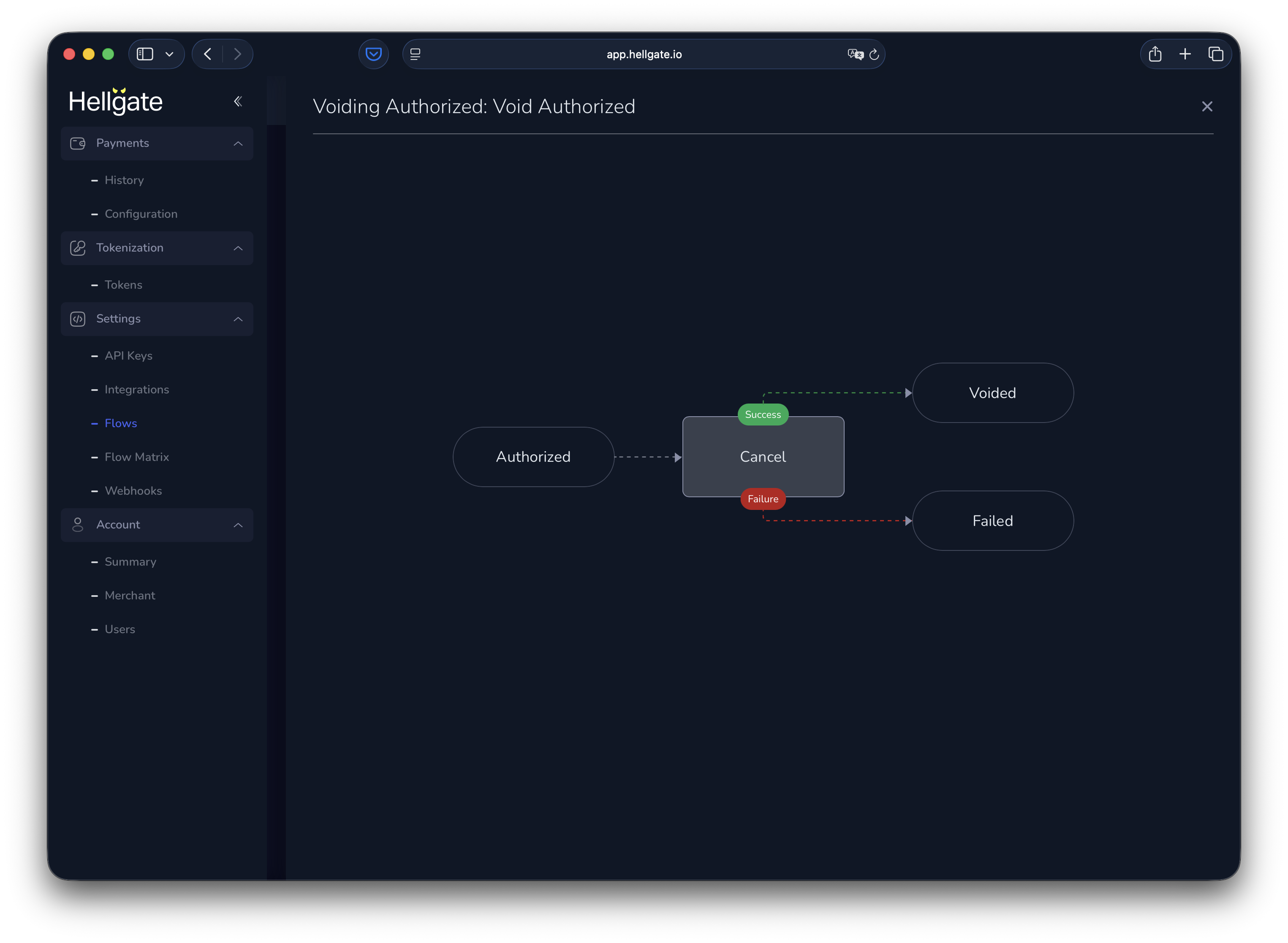
Custom flows
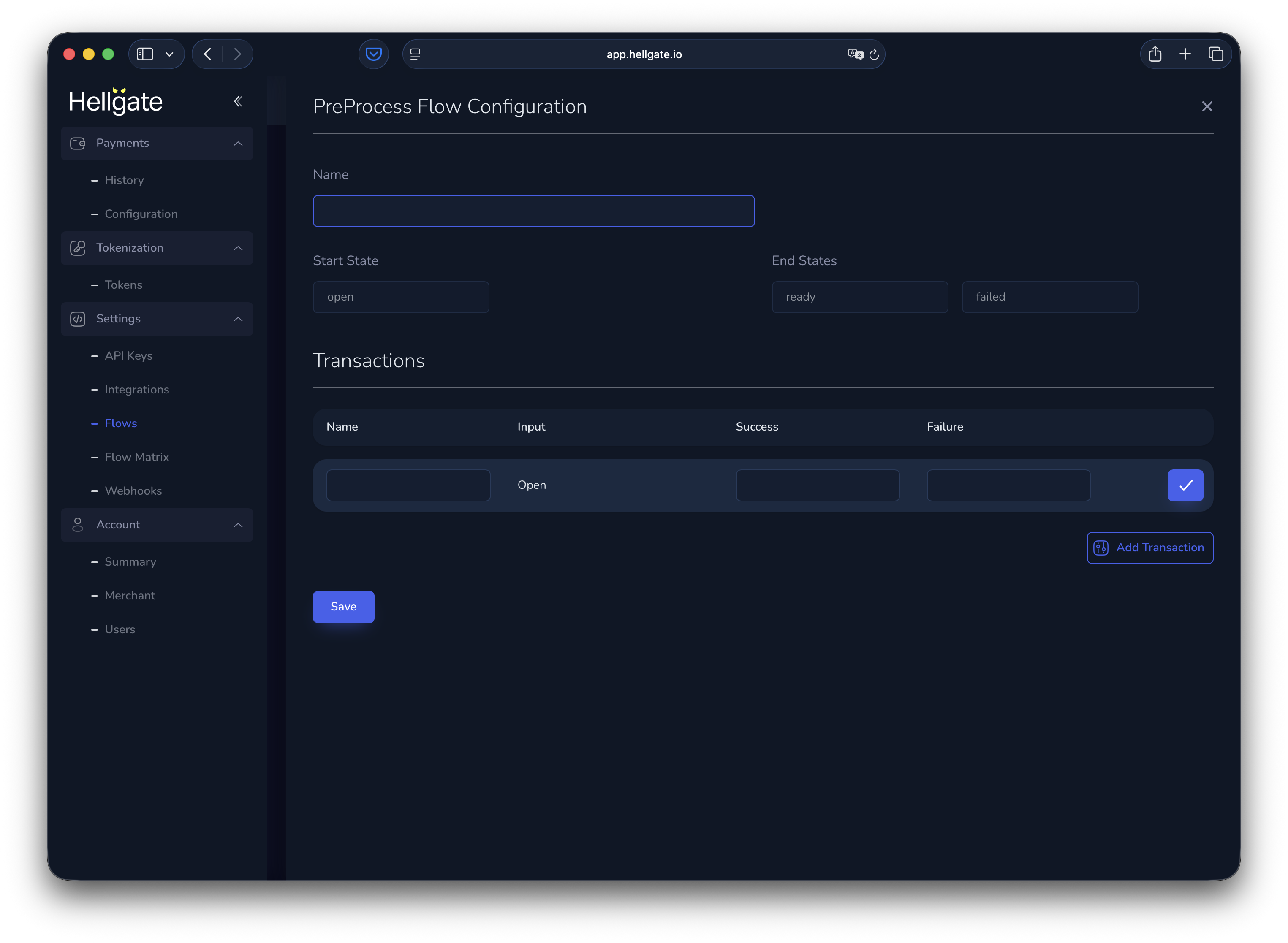
Custom flows (preprocessing) tab New accounts start with an empty list. You can add custom flows as sequences of steps, with branching based on success or failure.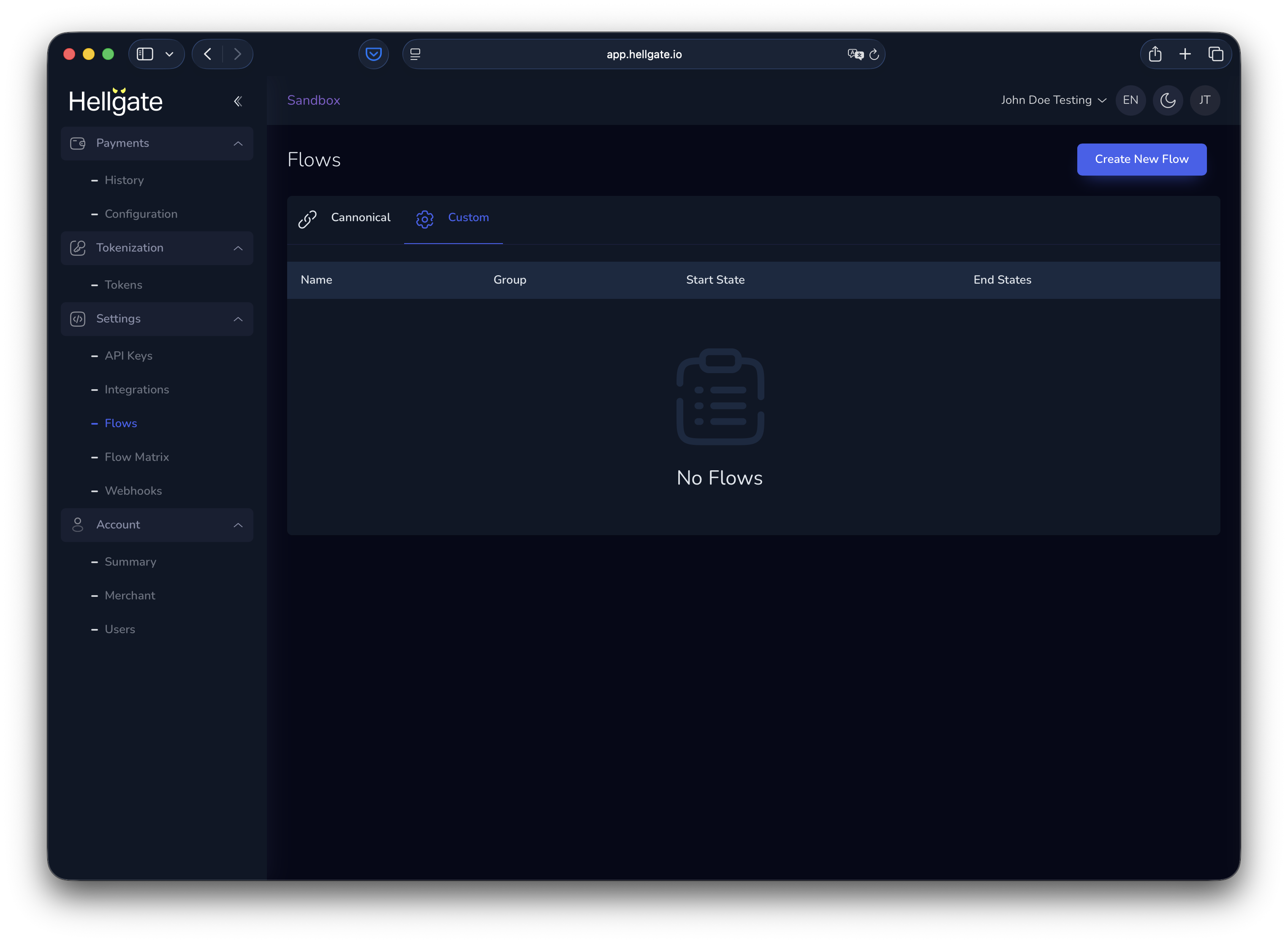
Flow matrix
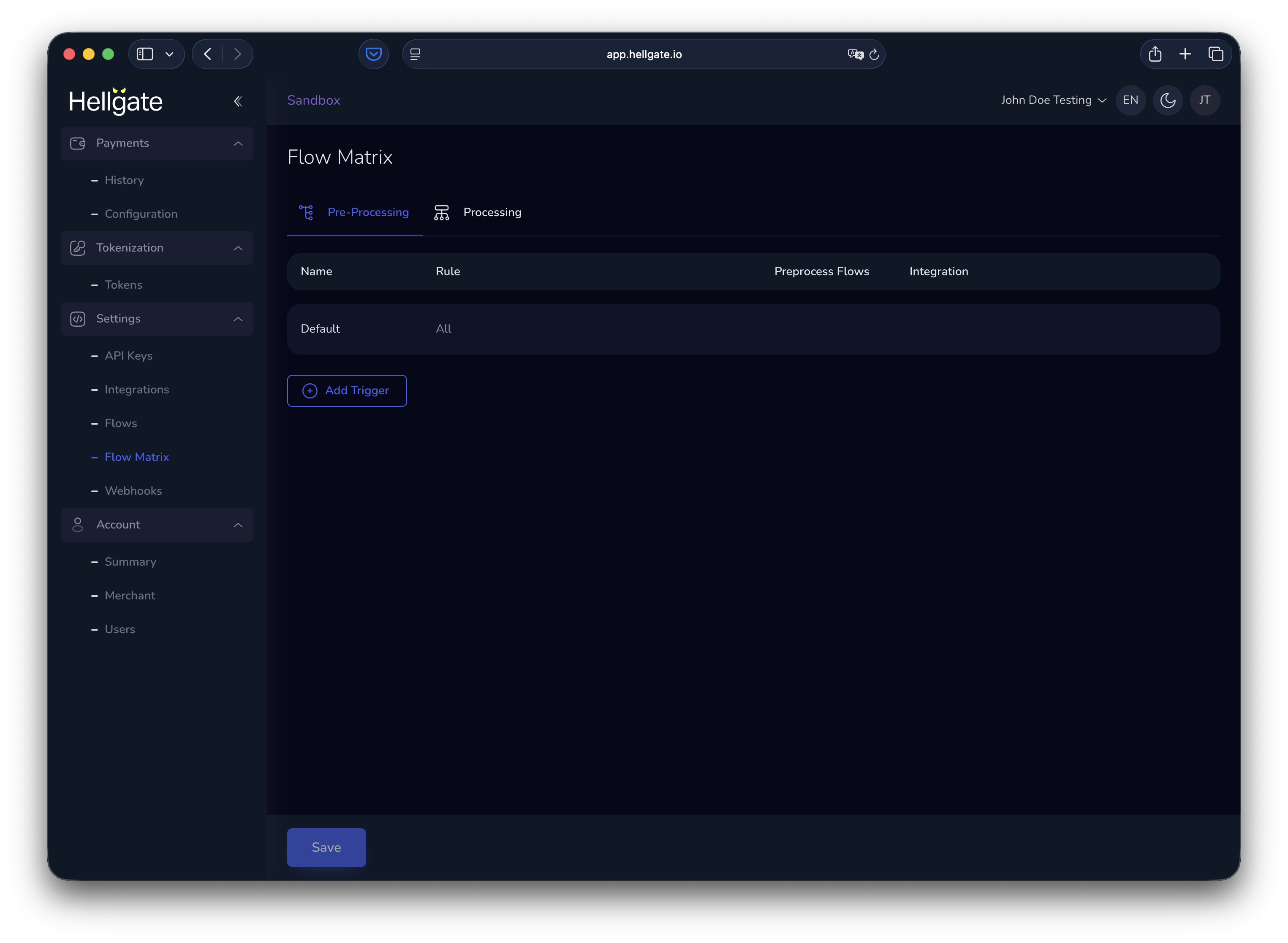
Flow matrix The flow matrix defines which flows run in pre-processing and processing, and which integration is used.Pre-processing flow matrix
Processing flow matrix
The processing matrix always has a default rule that runs authorization with the SF Test Acquirer. You can add rules to route specific payments to other flows or integrations.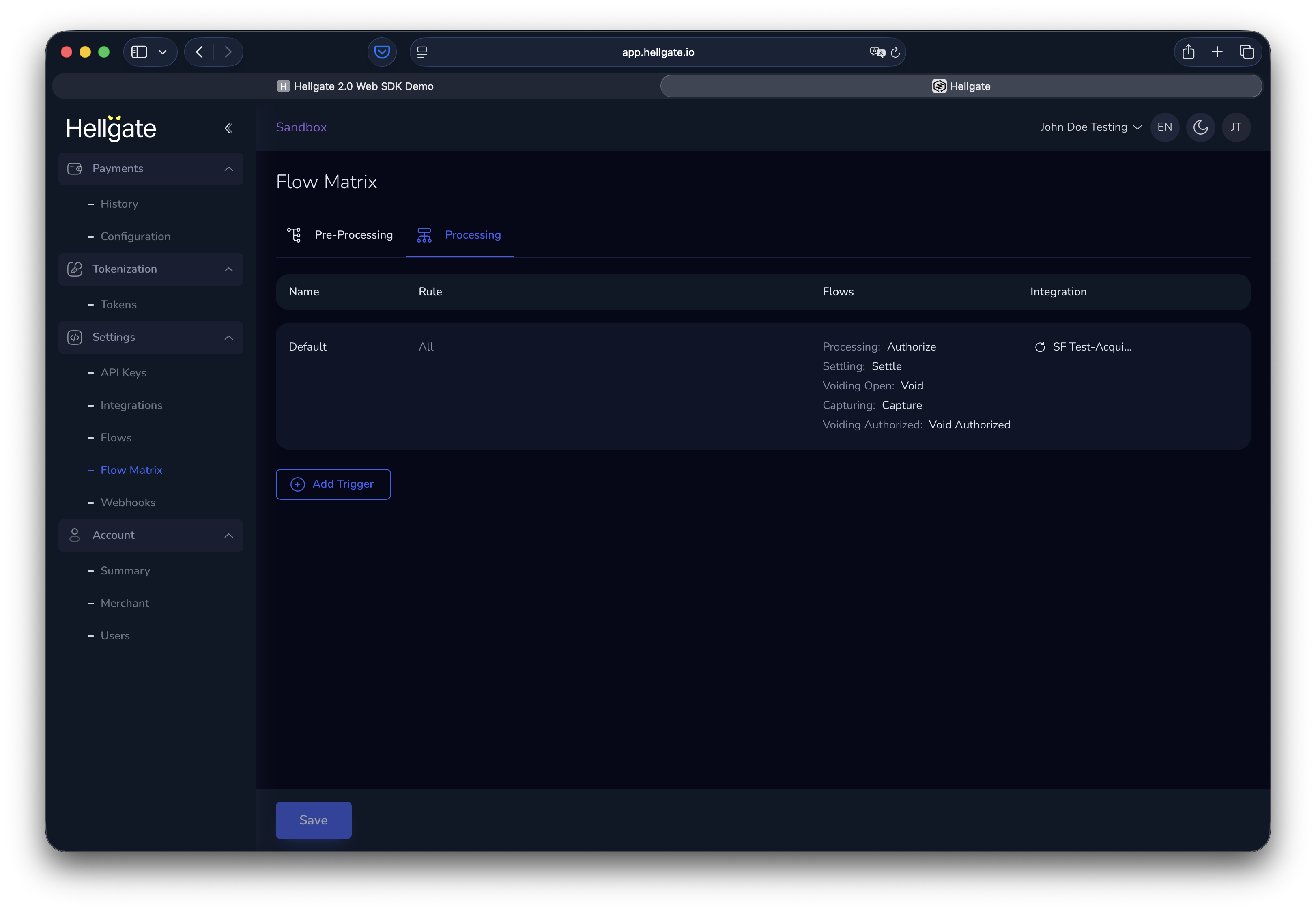
Adding and editing rules
Each rule matches payment data to conditions and assigns flows for the processing steps, plus the integration to use.