Hellgate Cloud Platform home page
Commerce
Search...
⌘K
Using the Dashboard
Account Management
Processing
Payments
Tokens
Integration & Security
Manage API keys
Set up webhooks
Forward sensitive data
Back up Stripe.com tokens
Visit hellgate.io
Write our Support
V2
Hellgate Cloud Platform home page
V2
Commerce
Search...
⌘K
Ask AI
Visit hellgate.io
Write our Support
Write our Support
Search...
Navigation
Using the Dashboard
Tokens
Documentation
Guides
API Reference
Changelog
Documentation
Guides
API Reference
Changelog
Using the Dashboard
Tokens
Copy page
View and filter Hellgate tokens in the Commerce Dashboard.
Copy page
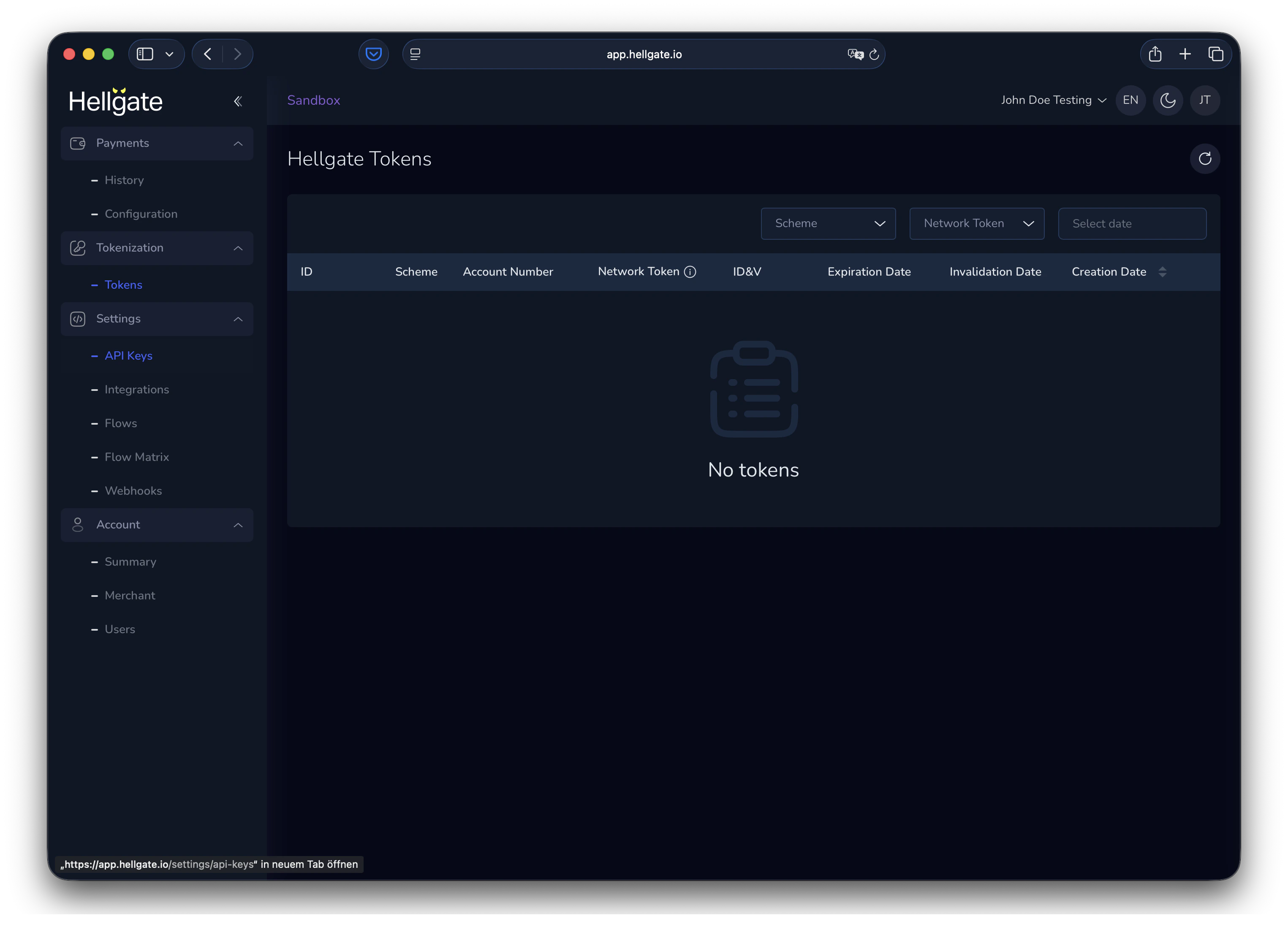
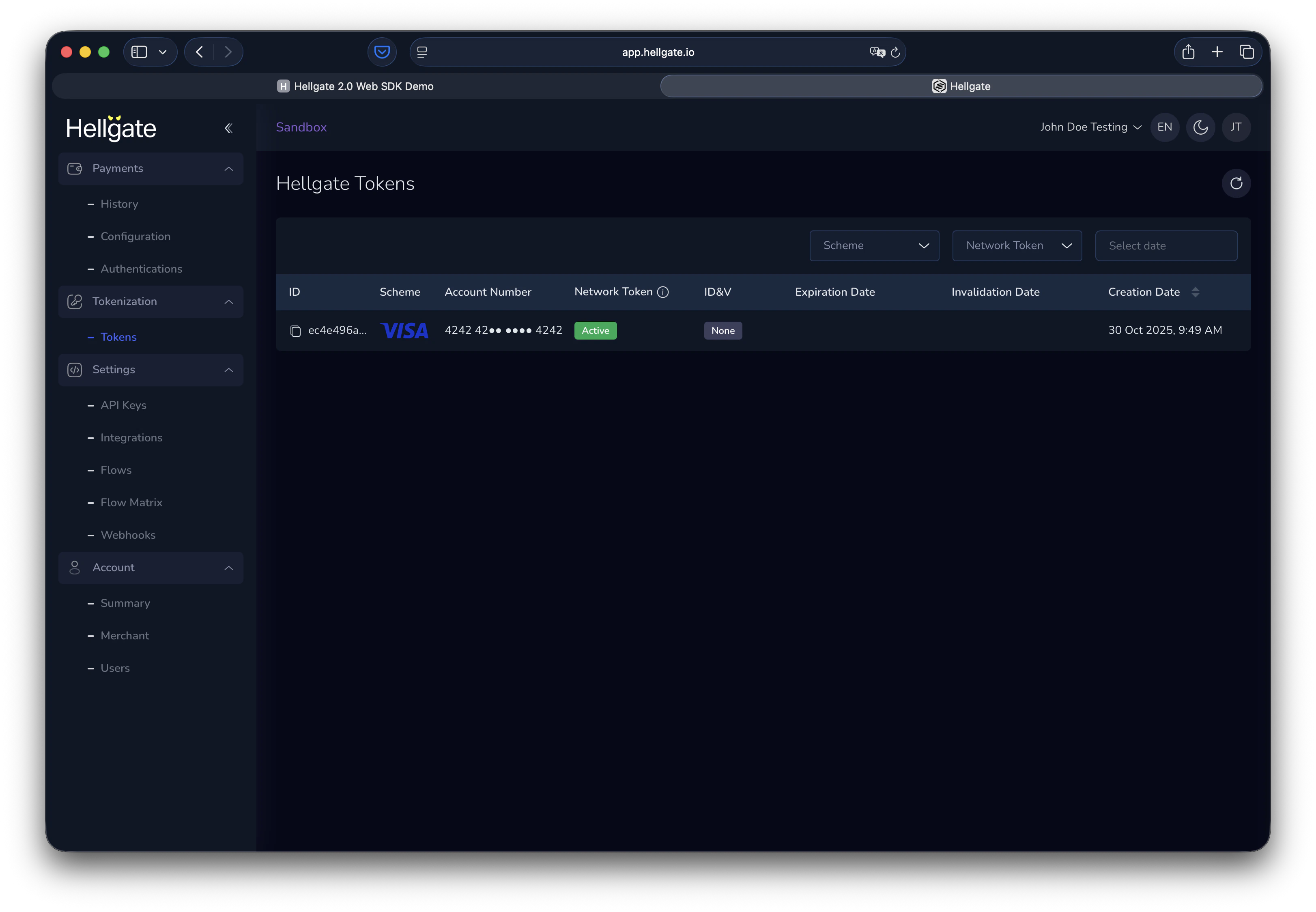
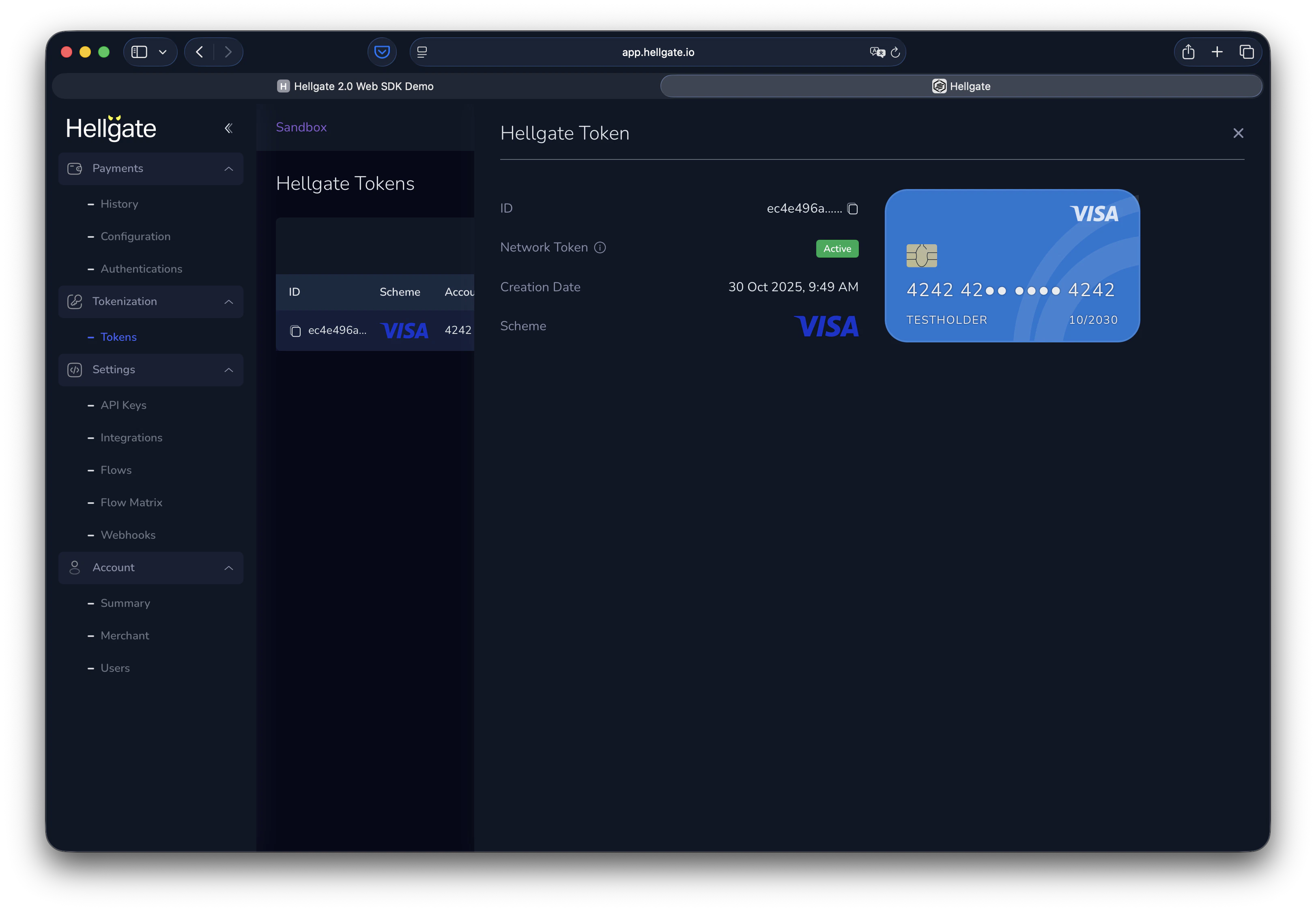
The Tokens section shows all Hellgate tokens for your account. You can filter the list and open a token to see its details.
Tokens
Viewing tokens
When tokens exist, use the filters to narrow the list (e.g. by status, scheme, or date).
Click a token to open the details panel with full token data.
Previous
Manage API keys
Create and manage API keys for secure server-to-server authentication with Commerce V2
Next
⌘I
On this page
Viewing tokens