

Creating a Webhook
In the Commerce product dashboard, under the “Webhooks” section, you can create webhooks to subscribe to available event types.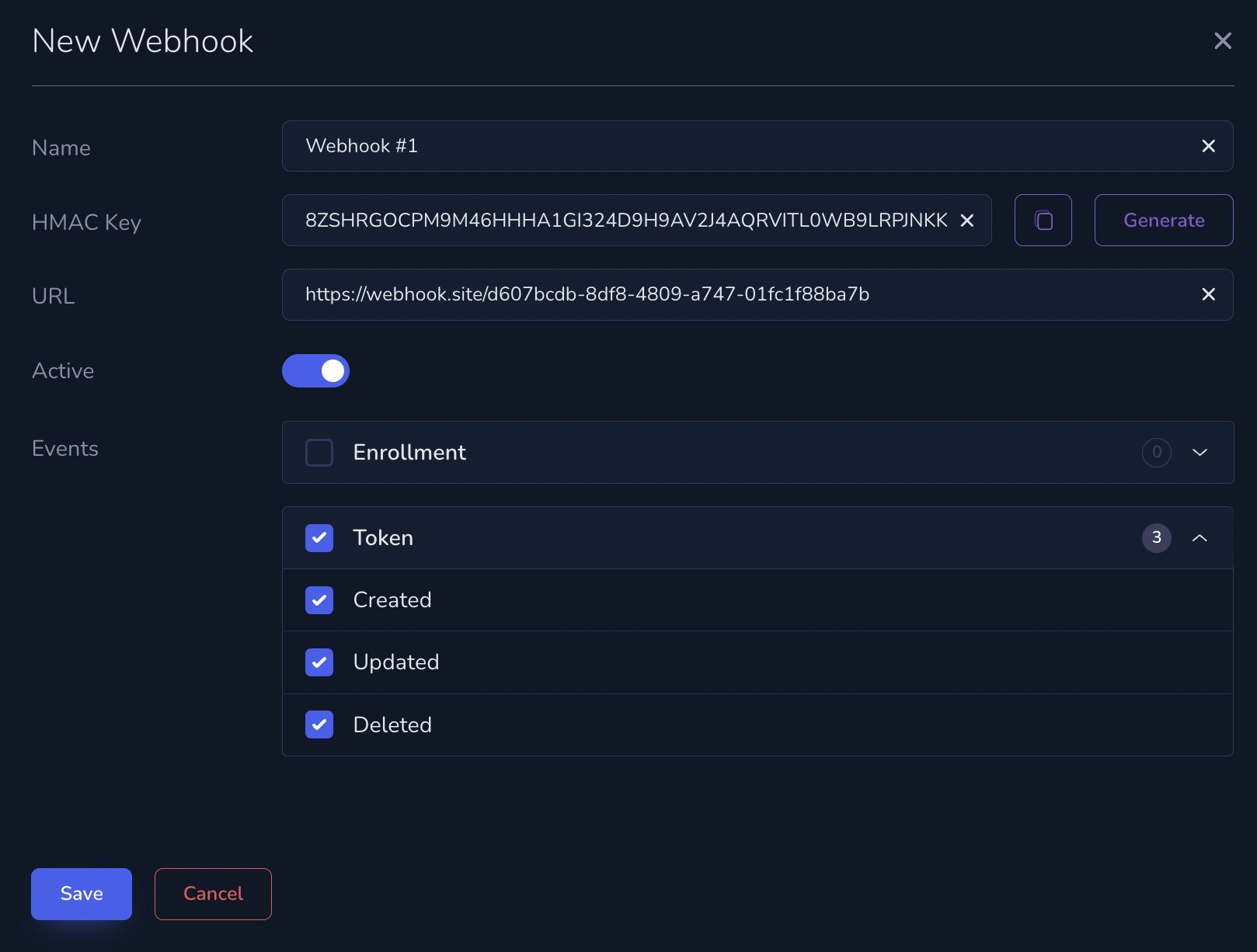
Webhook Structure
Each Webhook event includes the following fields:id: A unique identifier for the event that triggered the notification.created_at: The timestamp of when the event occurred, formatted in ISO 8601.event_type: The type of event, as described below in the Events section.object: The structure of the object varies depending on the event type.
Example
Retry Strategy
When Commerce sends a notification to your integration server, the server’s response determines whether Commerce considers the notification successfully delivered or if it should retry.- HTTP 200 (OK): Commerce treats this as a successful delivery, and no retries will be made.
- Any Other HTTP Code: Commerce considers this a failed delivery attempt and will initiate retries.
Verify webhook signatures with HMAC
Verify that webhook events were sent by Commerce and have not been altered in transit by checking thex-hmac-signature header.
HMAC Key
The HMAC key is randomly generated when you create a webhook and consists of a 64-character string that includes digits (1-9) and uppercase letters (A-Z).HMAC Signature
Thex-hmac-signature header is a base16-encoded (hex) Message Authentication Code (MAC) generated from the raw request payload using your HMAC key and SHA256.
How to verify
- Calculate the HMAC using:
- The raw payload you received in the webhook body
- Your HMAC key
- The SHA256 hashing function
- Compare the calculated value with the
x-hmac-signatureheader you received.
Example
Example HMAC key:x-hmac-signature:
x-hmac-signature for the above payload:
x-hmac-signature header. If it does, the webhook is legitimate.