> ## Documentation Index
> Fetch the complete documentation index at: https://developer.hellgate.io/llms.txt
> Use this file to discover all available pages before exploring further.

# Tokens

> View and filter Hellgate tokens in the Commerce Dashboard.

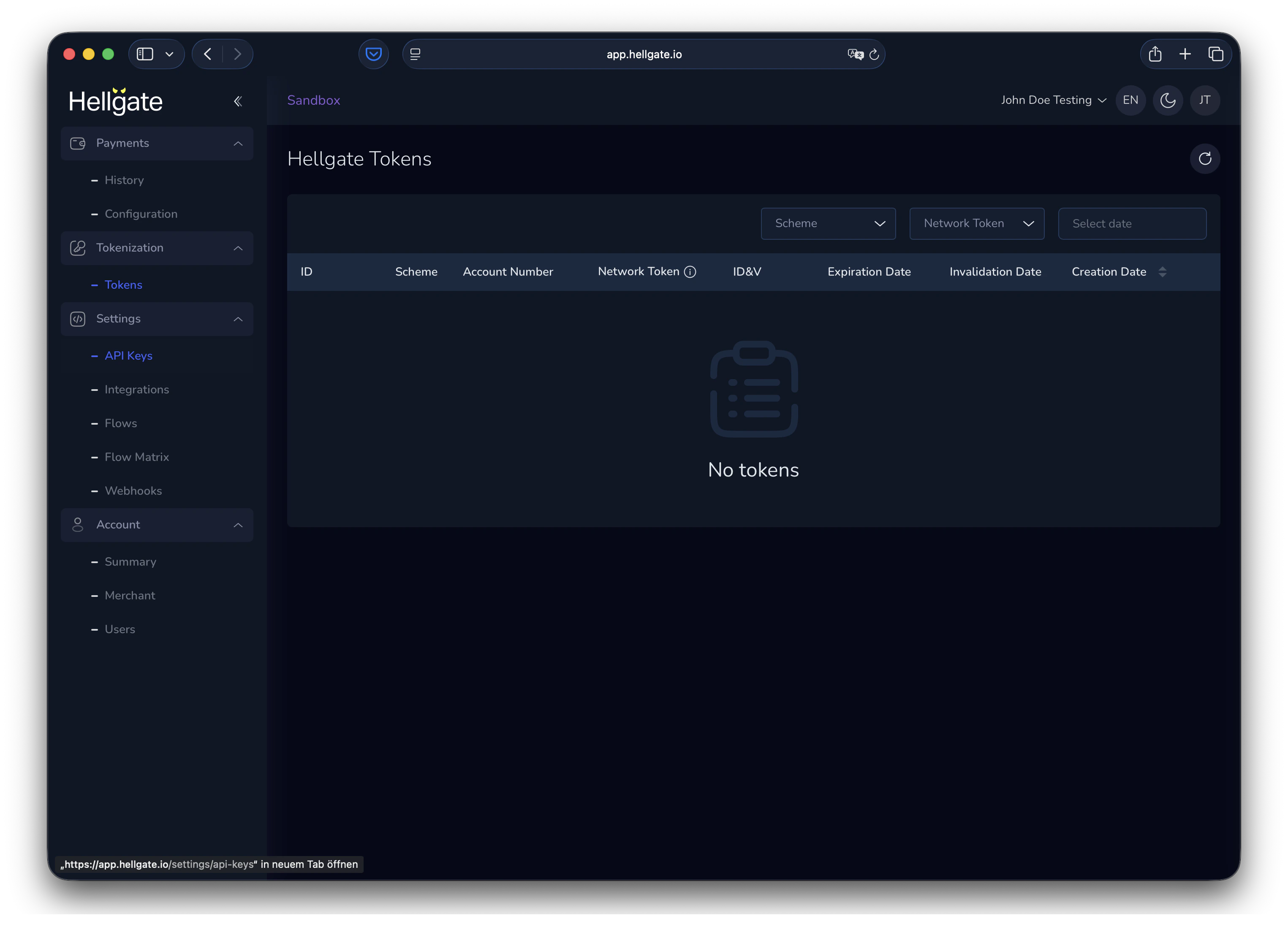
The Tokens section shows all Hellgate tokens for your account. You can filter the list and open a token to see its details.

<a href="https://app.hellgate.io/tokenization/tokens" target="_blank" rel="noopener noreferrer">Tokens</a>

## Viewing tokens

<Frame>
  <img src="https://mintcdn.com/starfishgmbhcokg/fao_mR6VDpBCxc3o/images/commerce/v2/guides/tokens/overview.png?fit=max&auto=format&n=fao_mR6VDpBCxc3o&q=85&s=4afcea007578ca9d08ddd9c2a51c5e4c" alt="Tokens list in Commerce Dashboard" width="3050" height="2234" data-path="images/commerce/v2/guides/tokens/overview.png" />
</Frame>

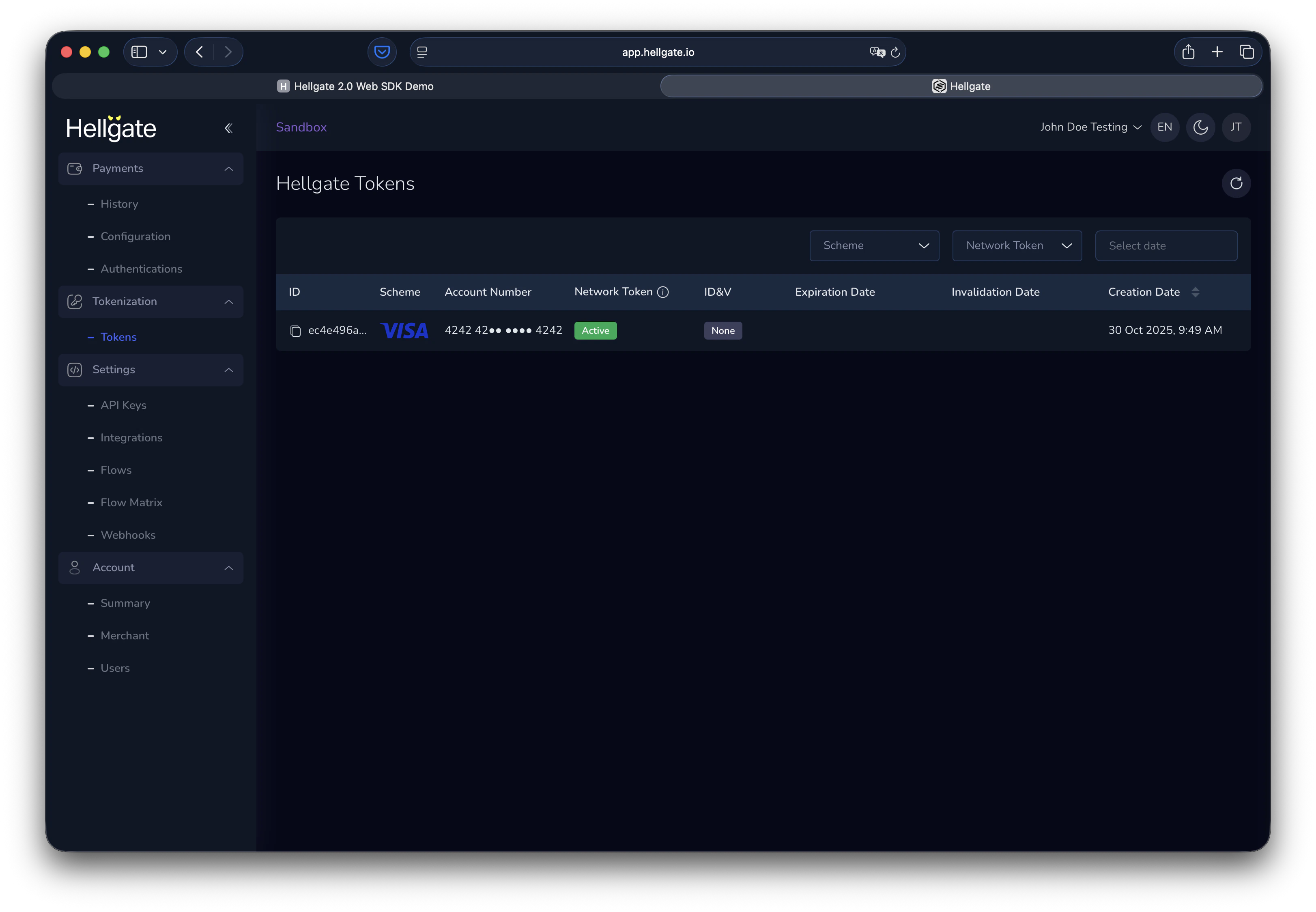
When tokens exist, use the filters to narrow the list (e.g. by status, scheme, or date).
<Frame>
  <img src="https://mintcdn.com/starfishgmbhcokg/fao_mR6VDpBCxc3o/images/commerce/v2/guides/tokens/history.png?fit=max&auto=format&n=fao_mR6VDpBCxc3o&q=85&s=db4fefab1421b8cde56ed6286874b393" alt="Tokens list with filters" width="3244" height="2248" data-path="images/commerce/v2/guides/tokens/history.png" />
</Frame>

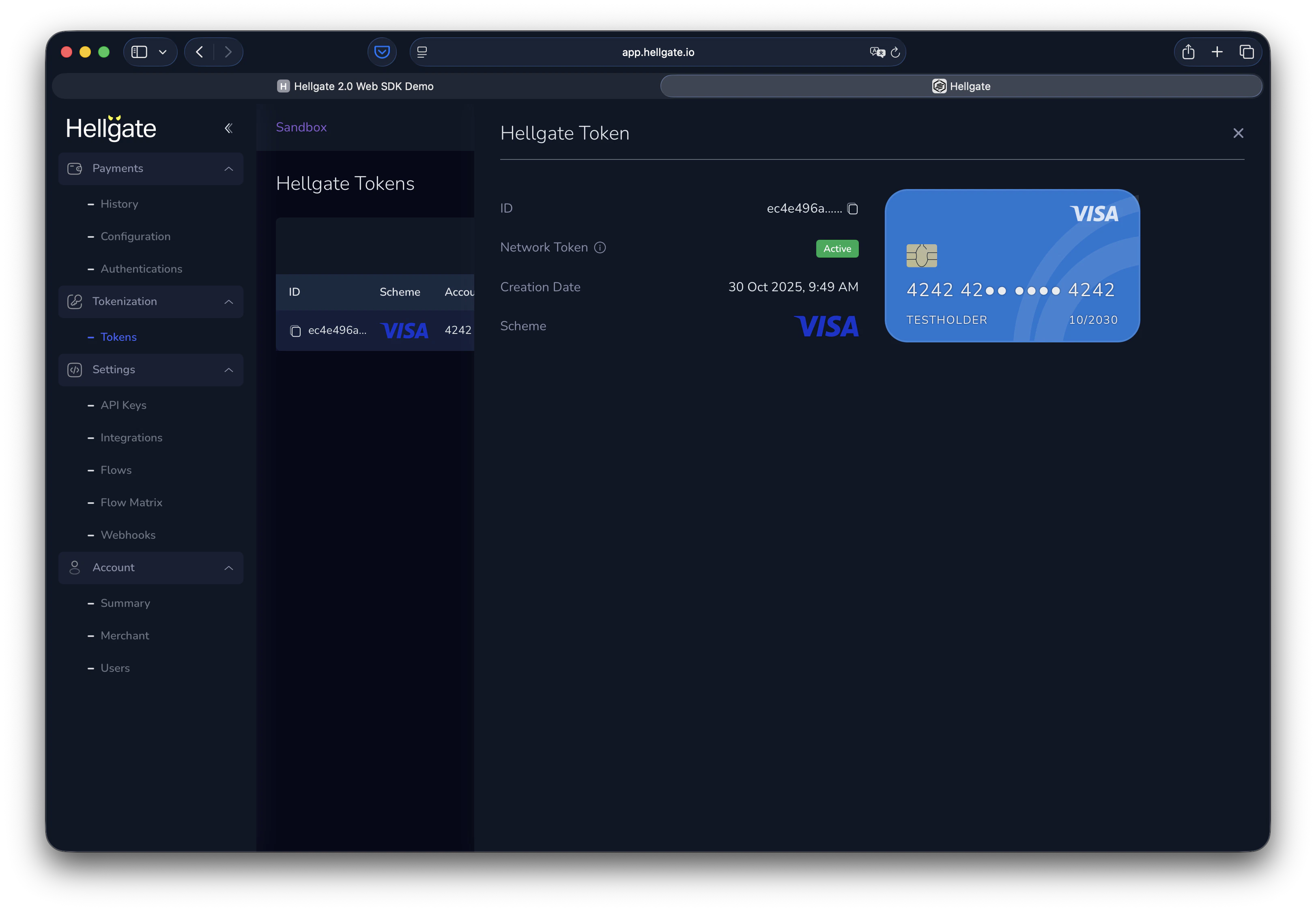
Click a token to open the details panel with full token data.
<Frame>
  <img src="https://mintcdn.com/starfishgmbhcokg/fao_mR6VDpBCxc3o/images/commerce/v2/guides/tokens/details.png?fit=max&auto=format&n=fao_mR6VDpBCxc3o&q=85&s=5b35f478f8cd8a1fdb94682dcc3e80a4" alt="Token details panel" width="3244" height="2248" data-path="images/commerce/v2/guides/tokens/details.png" />
</Frame>